AI Video Subtitle & Watermark Remover
Remove hardcoded subtitles, watermarks, logos, and text overlays from any video. AI fills backgrounds naturally — results in minutes.
See the Difference
 Before
 After
After
Powerful Features
AI Text Detection
Advanced deep learning precisely identifies subtitles, watermarks, logos, and timestamps — then seamlessly restores the background.
3-Step Workflow
Select video → Draw a box around text → Get clean result. No editing skills required, results ready in minutes.
Flexible Selection
Draw a custom selection box for precise removal, or use full-screen mode to erase all text at once.
Two Processing Modes
Standard mode for regular subtitles. Protect mode preserves complex backgrounds with extra detail care.
Batch Processing
Process up to 10 videos simultaneously — ideal for content creators handling multiple clips efficiently.
High Quality Output
Supports up to 1080p resolution and 30-minute video duration. Oversized files are auto-compressed for optimal results.
Secure & Private
Videos processed on secure cloud servers and automatically deleted after completion. We never store your content.
Pay As You Go
Credit-based system with no subscription. New users get 200 free credits. Purchase more anytime — no hidden fees.
How It Works
Select Video
Upload your video file from your device library.
Mark Text Area
Select the subtitle region using rectangle, brush, or AI auto-detect.
Get Result
AI processes and delivers your clean video in seconds.
Use Cases
Remove Hardcoded Subtitles
Erase burned-in subtitles from movies, shows, and clips for a clean viewing experience or re-translation.
Erase Watermarks
Remove watermarks from stock footage, downloaded videos, and recorded clips for professional use.
Clean Logos & Timestamps
Remove on-screen logos, timestamps, channel branding, and recording overlays from any video.
Repurpose Video Content
Clean up videos for re-editing, translation, dubbing, or cross-platform publishing on TikTok, YouTube, and more.
Technical Specifications
Frequently Asked Questions
What video formats are supported?
How long does processing take?
Is my video data secure?
What platforms are supported?
How does the credit system work?
What is the maximum video length?
Can I process videos in batch?
What resolution is supported?
Video Editing Tips & Guides
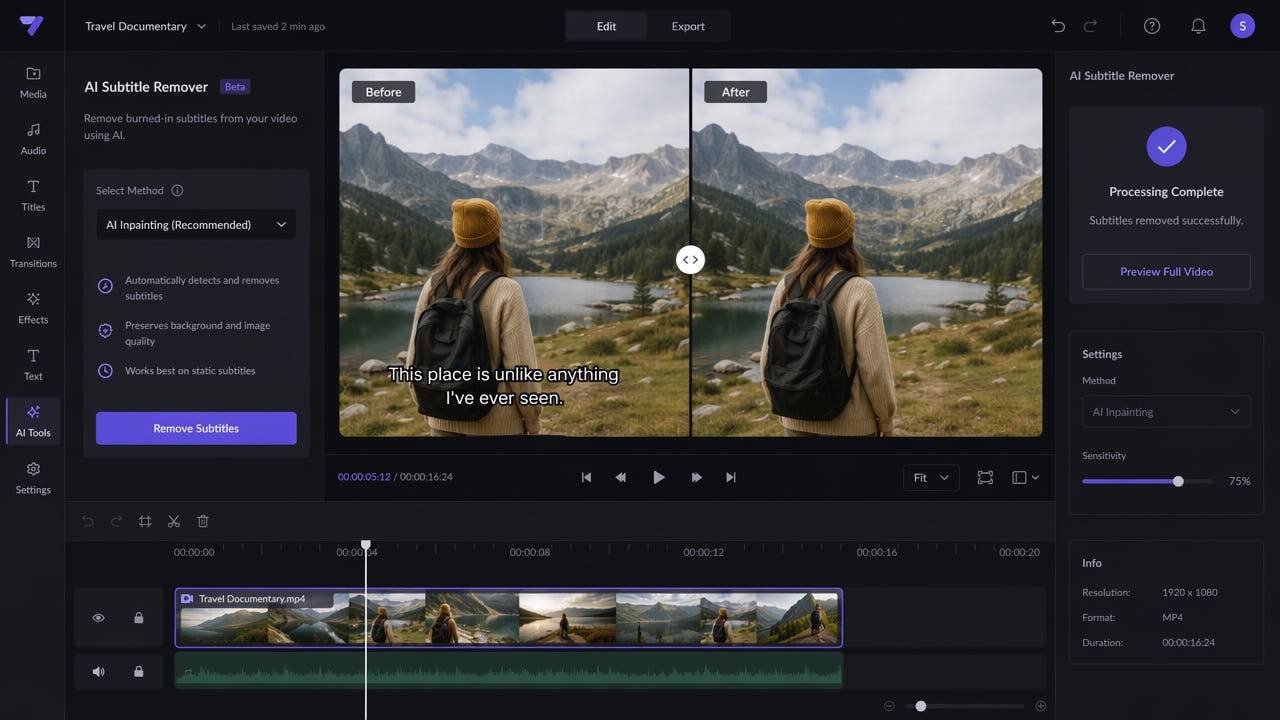
How to Remove Hardcoded Subtitles from Video
Step-by-step guide using AI inpainting to remove burned-in subtitles cleanly.
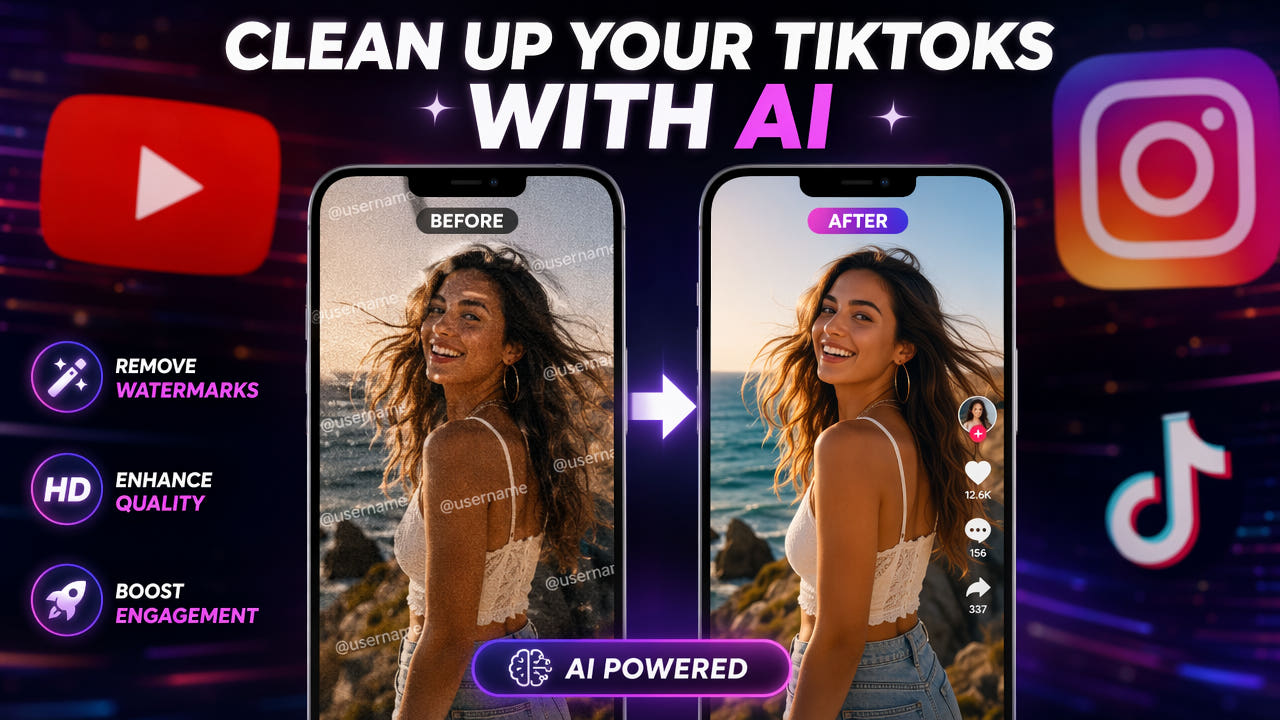
How to Remove TikTok Watermark
Remove TikTok watermarks for cross-platform content repurposing.

Best AI Video Editing Tools 2025
Top AI-powered video editing tools every content creator needs.
Download 550W Video Eraser
Available on iOS and Mac. 200 free credits for new users.