Image & Video Text and Watermark Remover — Blog
Use AI on images and videos you may edit, then review the exported result.

Build a Reviewable Video Cleanup Agent with MCP and 550W Video Eraser
Design an MCP workflow that checks permissions and file access, submits a selected video region to 550W, tracks the task, and requires human review of the full export.

Claude Desktop Video Agent: Plan and Review Video Cleanup
Plan a 550W video cleanup workflow with an MCP client: confirm file access and permission, choose a region and mode, track the task, and inspect the full export.

A Multilingual Content Pipeline for AI Agents and Short-Form Video
Design an agent workflow for cleaning, translating, and republishing short-form video across regions with 550W.
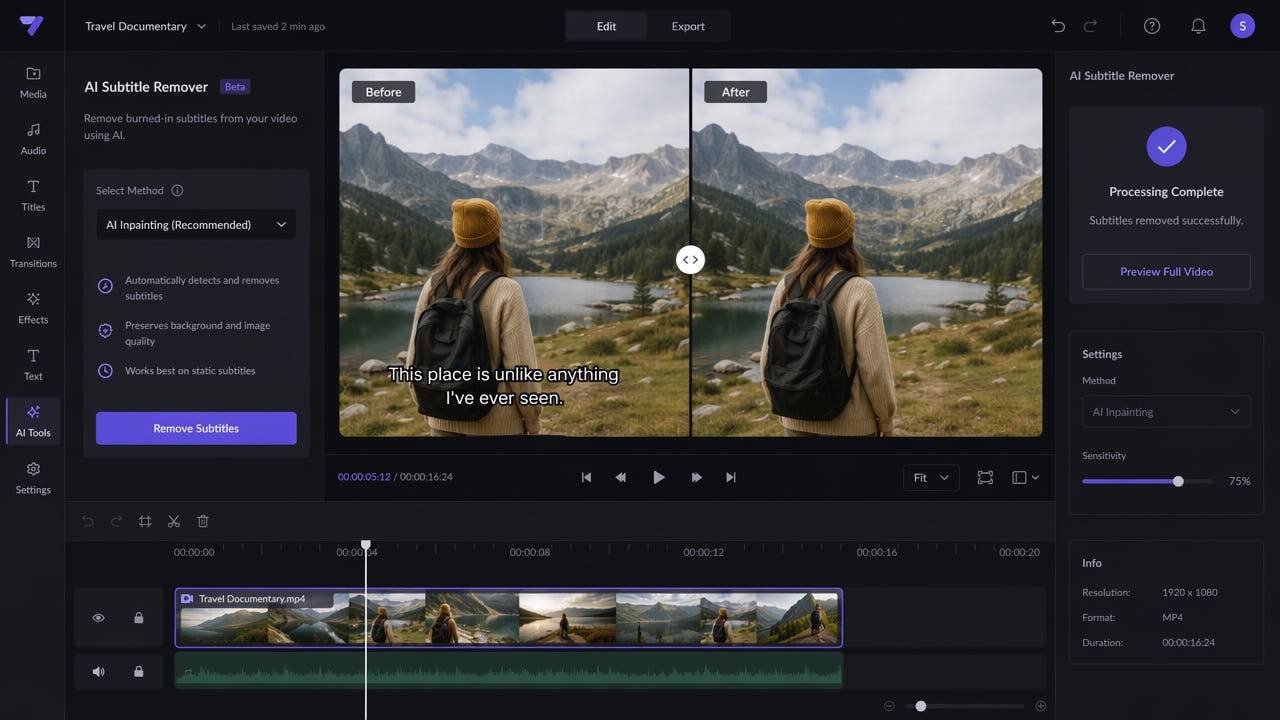
How to Remove Hardcoded Subtitles from Video Online
Remove burned-in or embedded subtitles from video online with AI inpainting. Follow the steps and compare cropping, blur, manual editing, and AI removal.
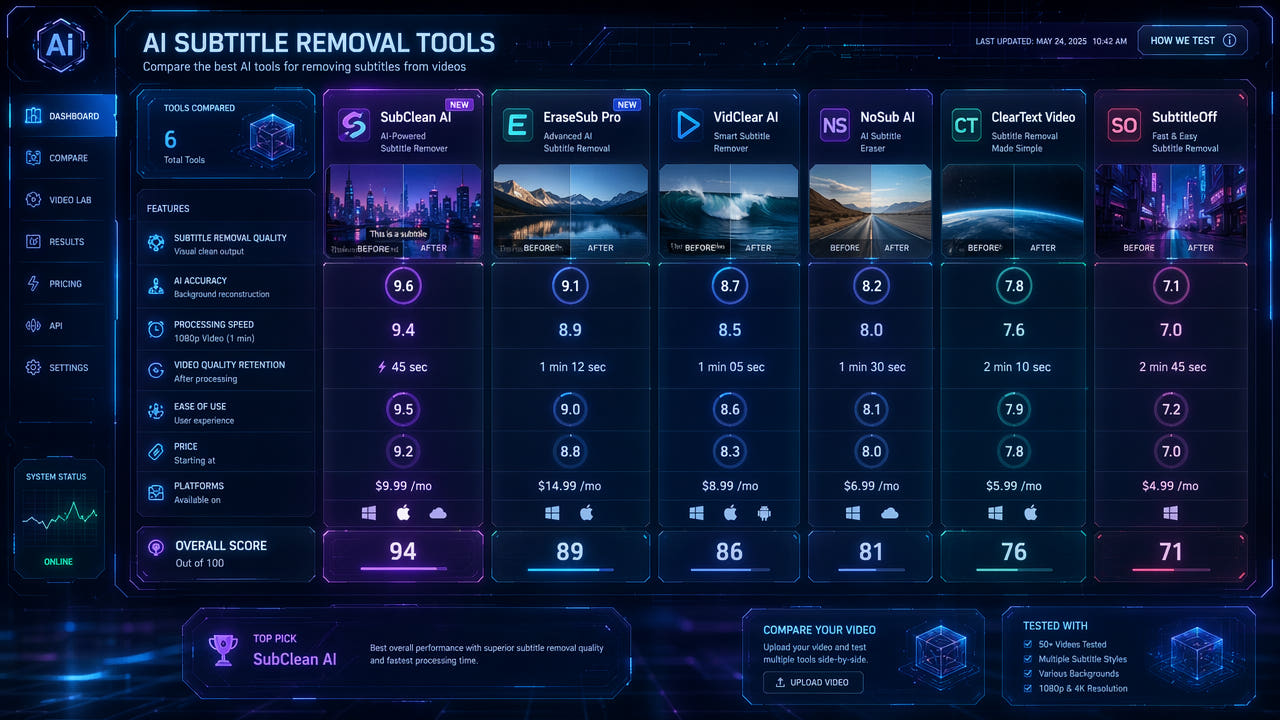
AI Subtitle Removal Online: Evaluate Tools and Results
Check authorized footage, current upload limits, pricing, and actual exports before choosing an online subtitle removal workflow.
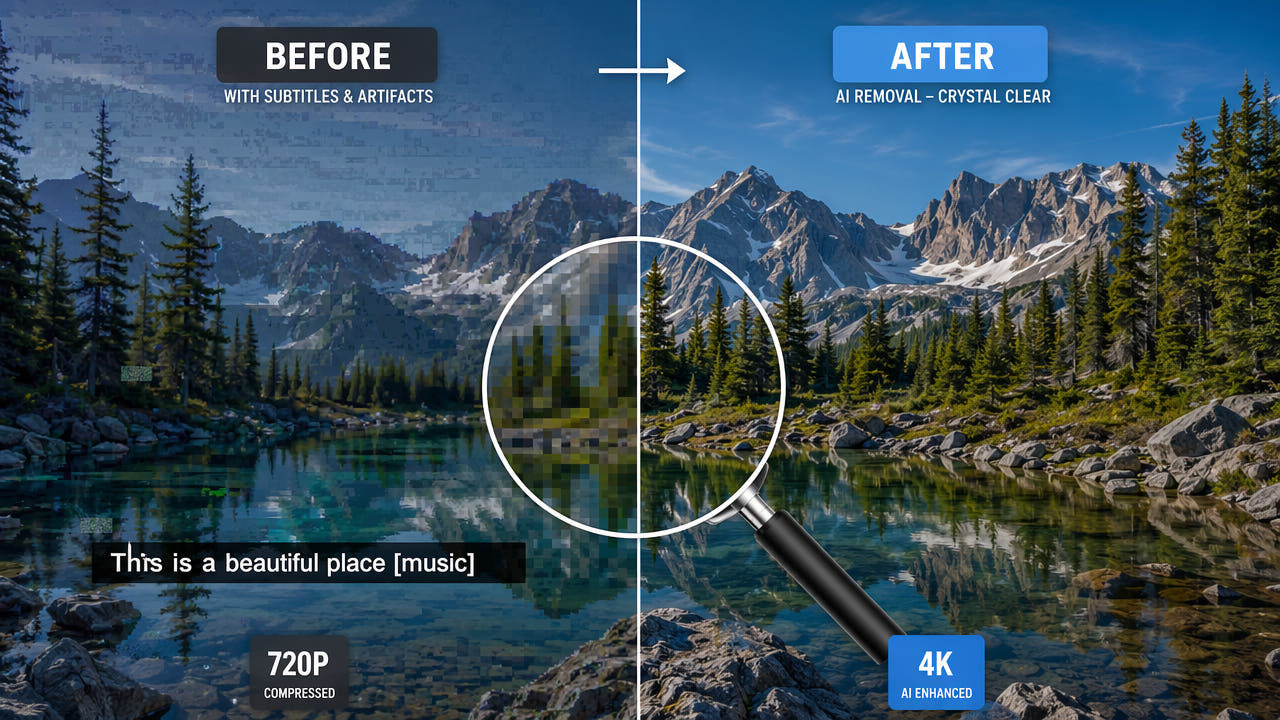
Remove Subtitles and Review Video Quality
Compare cropping, blur and AI subtitle reconstruction on authorized video. Learn what affects the selected area and how to review quality across the full export.
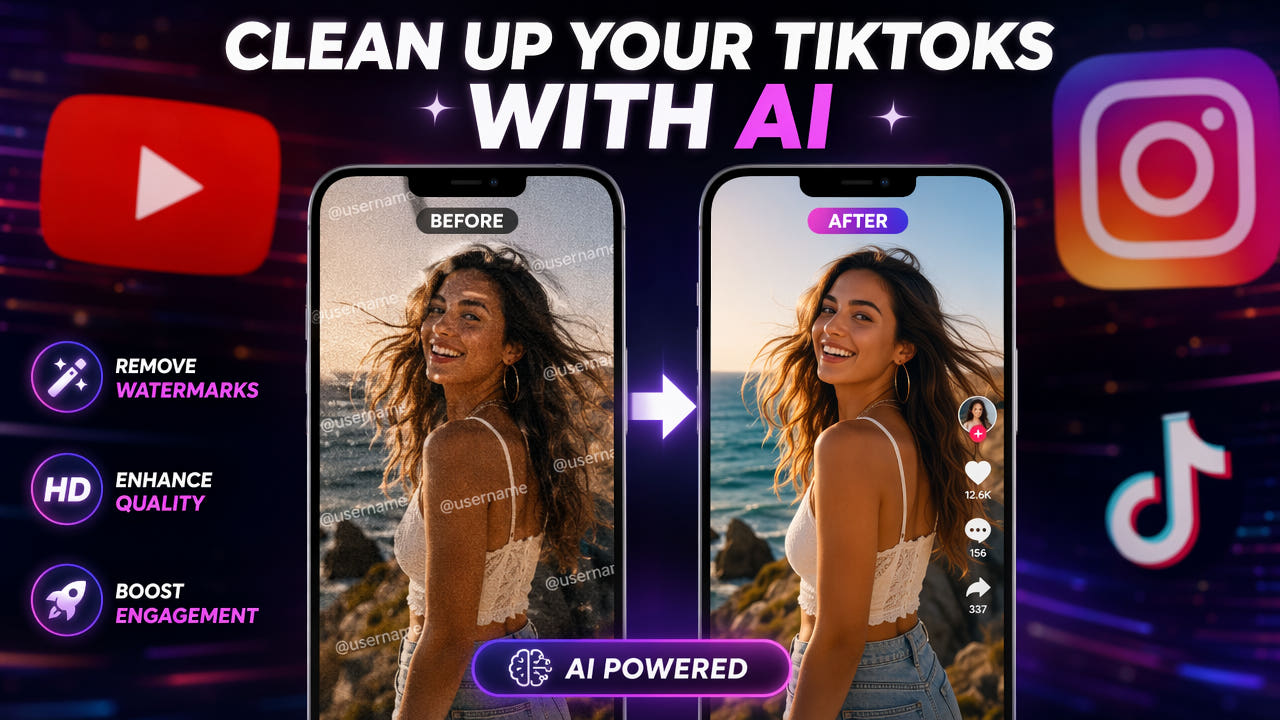
Review and Remove Visible TikTok Marks from Authorized Video
Prepare authorized TikTok footage for reuse: verify the source, select visible marks, understand AI reconstruction, and review the complete export.
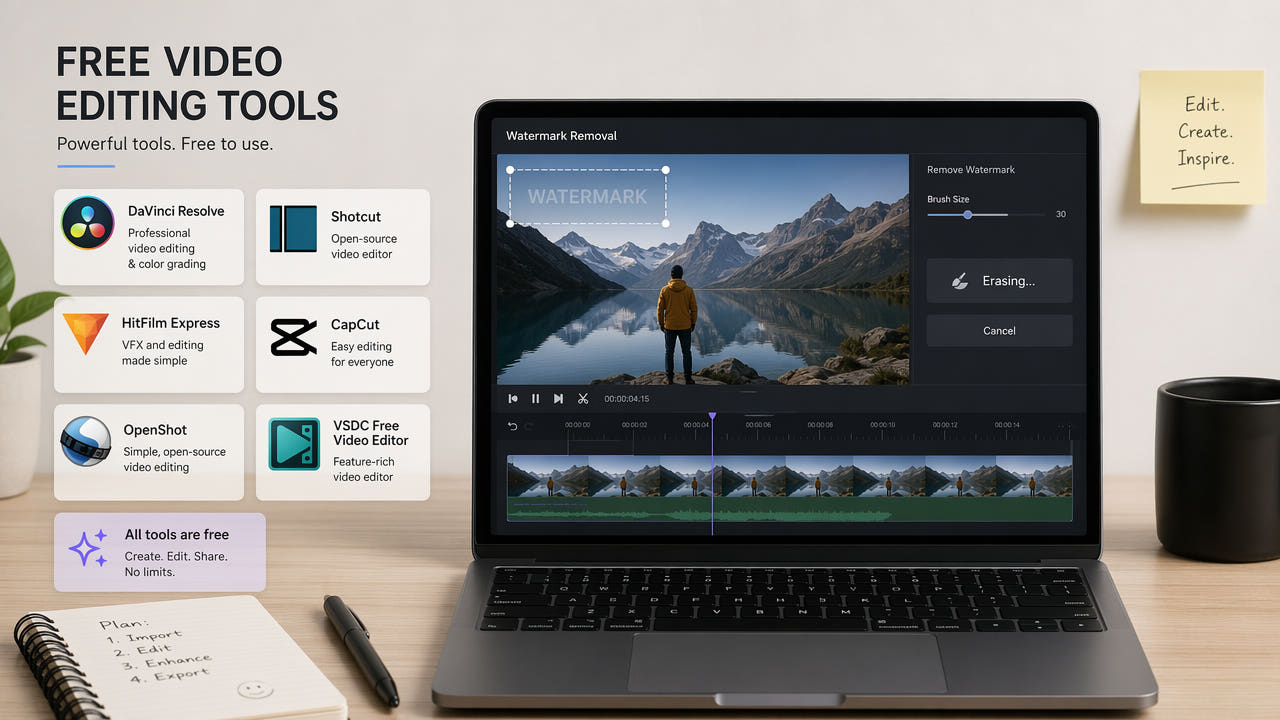
Remove Watermarks from Video: Compare Available Methods
Compare authorized video watermark editing methods, including AI reconstruction, FFmpeg, cropping, and manual editing. Check current tool limits and review output quality.
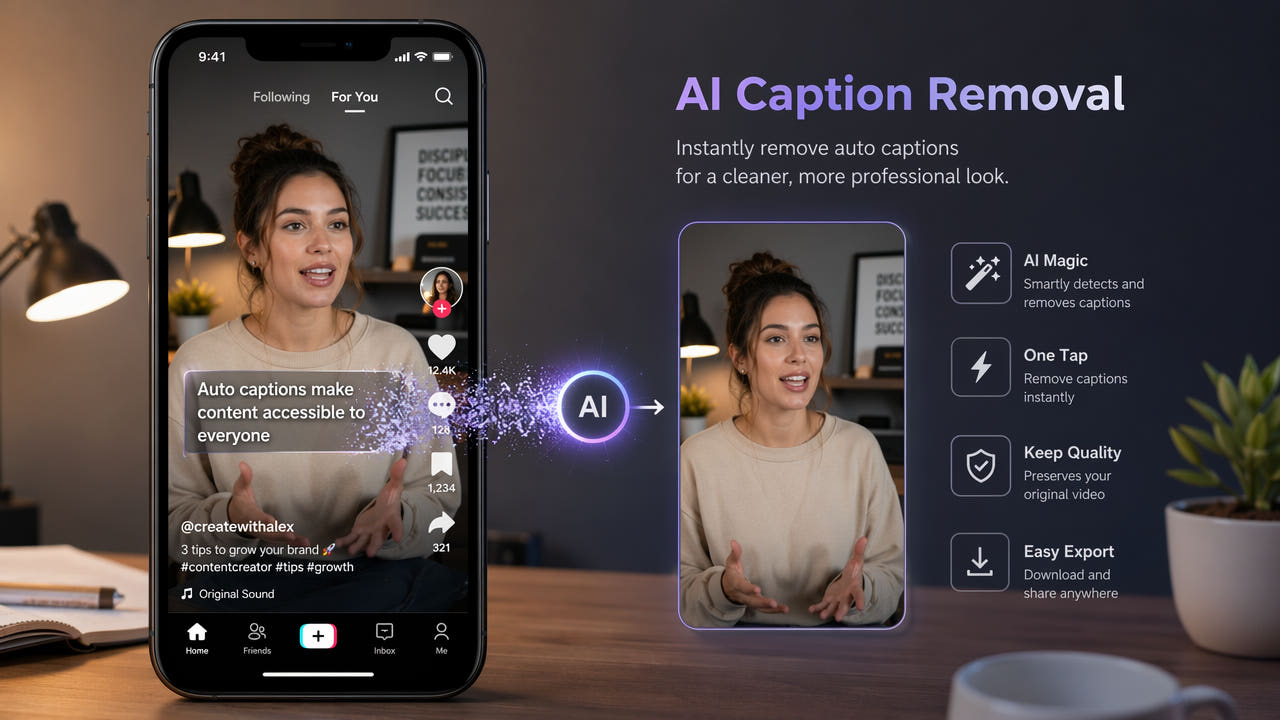
Review Captions in Your TikTok Video Before Reusing It
Check whether captions are a separate track or burned into an authorized saved video, test selected-area repair, and inspect the full export before reuse.
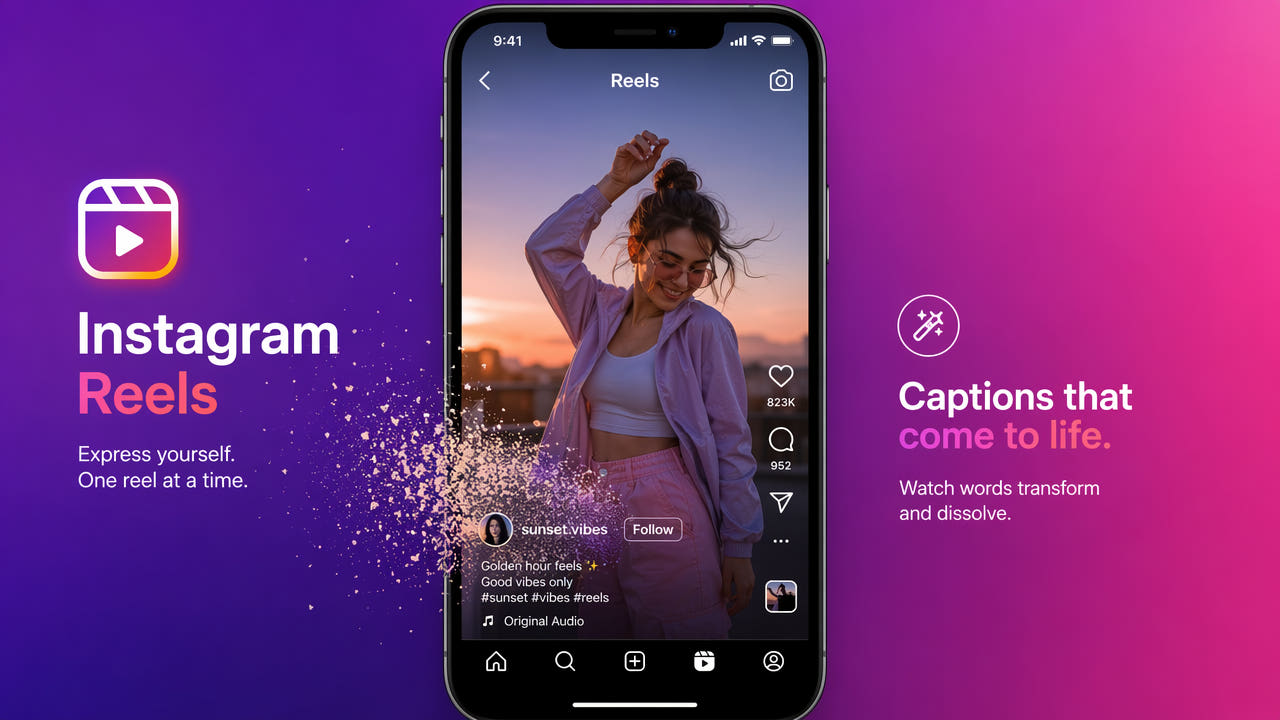
Remove Captions from Instagram Reels | Guide
Check whether Reel captions are editable or burned into authorized footage. Compare a clean source export with selected-area AI editing, then review the full result.

Stock Footage Watermarks: Check Licensing Before Editing
A rights-first guide to stock footage previews, licensed source files, selected-area reconstruction, and final-delivery review.

Repurpose TikTok Videos for YouTube Shorts
Adapt your own TikTok footage for YouTube Shorts: review rights, remove unwanted overlays and check the finished video before publishing.
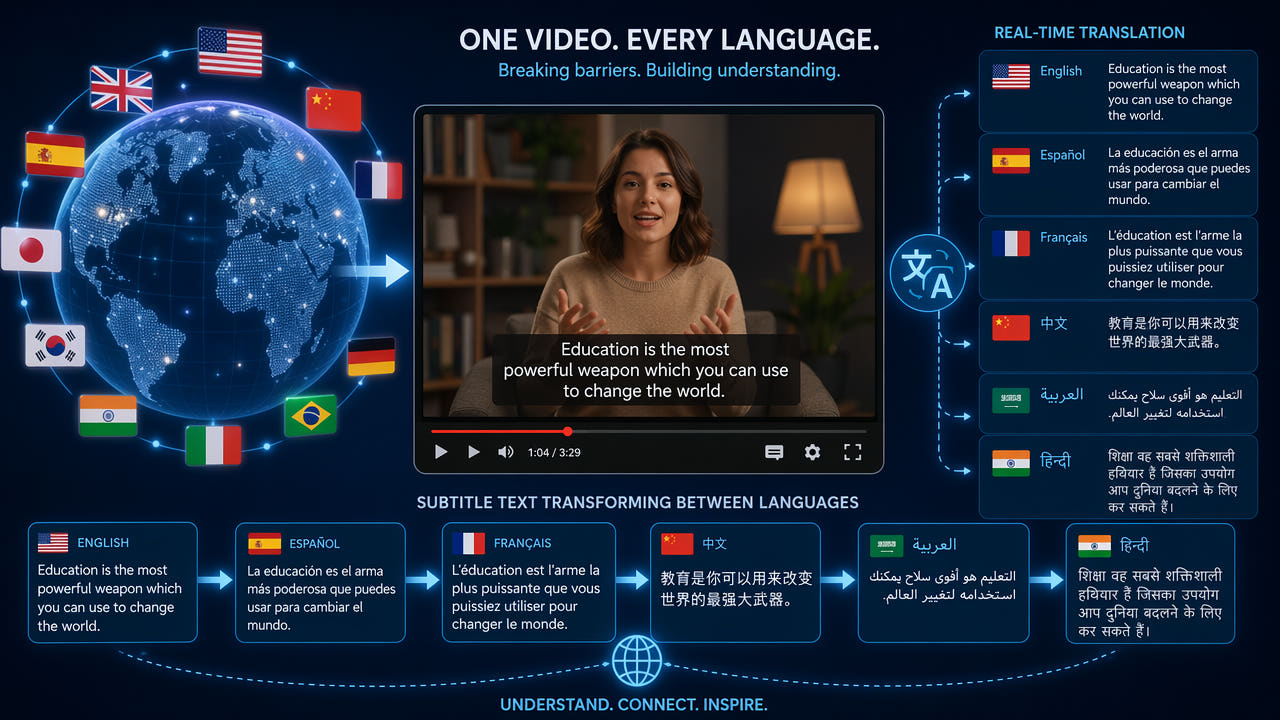
Prepare Authorized Video for New Subtitles | Review Guide
Check subtitle tracks and rights, test selected-area reconstruction for burned-in text, add a translated track, and review each final export.
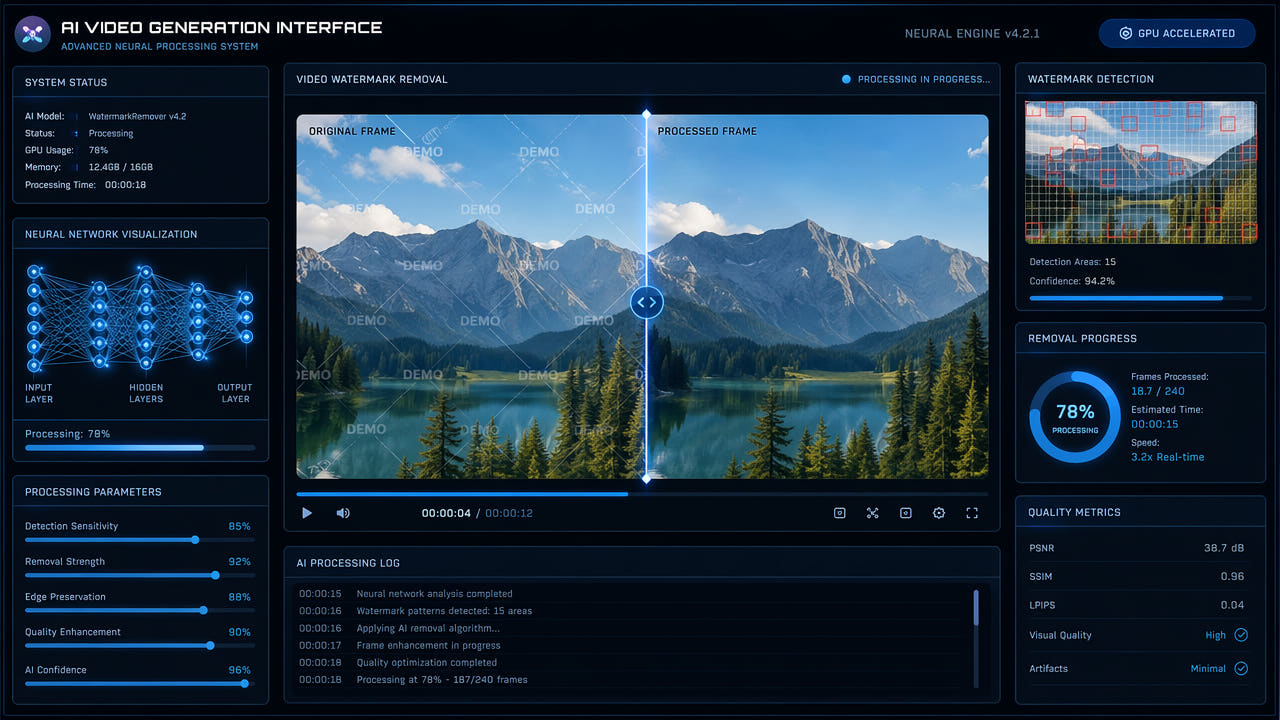
Edit Visible Marks on Authorized AI Video Exports
Check rights, provider terms, and disclosure before editing a visible mark on an AI video export. Select only the affected area and review the entire result.

Batch Remove Subtitles from Multiple Videos
Prepare multiple authorized videos, reuse verified selections where supported, monitor independent tasks, and review every output before adding new captions.
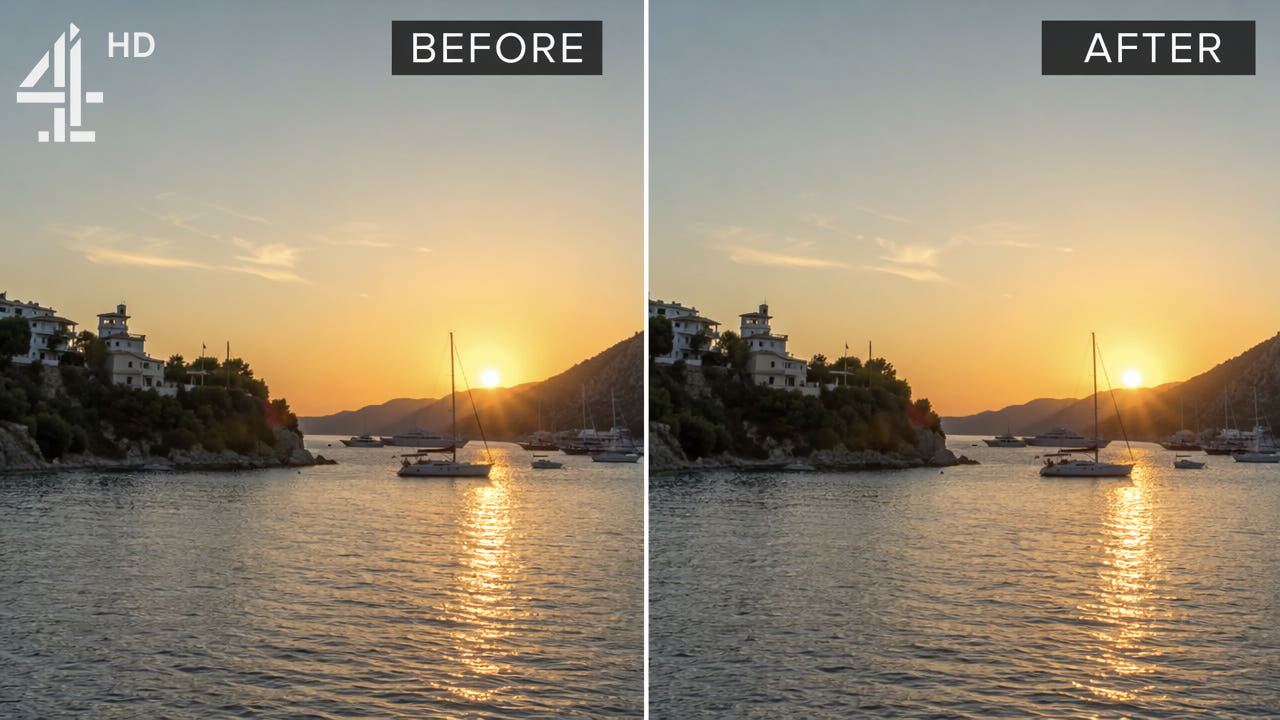
Edit a Visible Logo in Video You May Use
Check your rights and source export first, then compare selected-area reconstruction, cropping, masking, and manual editing for a visible logo. Review the complete result.

AI Video Editing Tools: Choose a Workflow for Your Project
Compare current AI video editing workflows with authorized footage, documented features, privacy terms, pricing, and complete output checks.

How to Edit Text Overlays in Video: Methods and Limits
Compare authorized source edits, AI reconstruction, cropping, blur, manual retouching, and FFmpeg. Check current limits and review the full export.
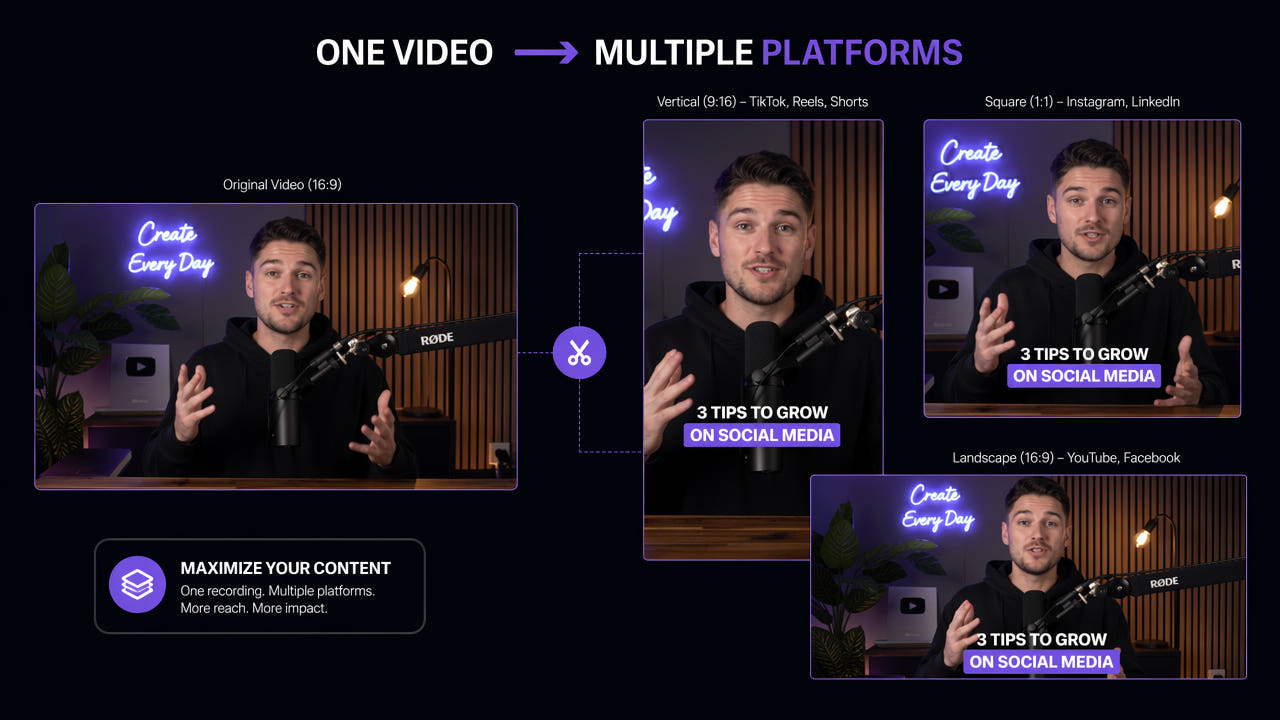
Content Repurposing Workflow for Video Creators
Plan authorized video reuse across platforms: check rights and source layers, edit format and captions, review each export, and measure the time and results.

Review Burned-In Subtitles in Authorized Foreign-Language Video
Distinguish optional subtitle tracks from text burned into the picture, test selected-area reconstruction on authorized footage, and review the full export before relocalizing.

Edit a Watermark in an Authorized YouTube Video
Identify player branding versus embedded marks, check permissions and current platform rules, and review the complete output of any authorized watermark edit.
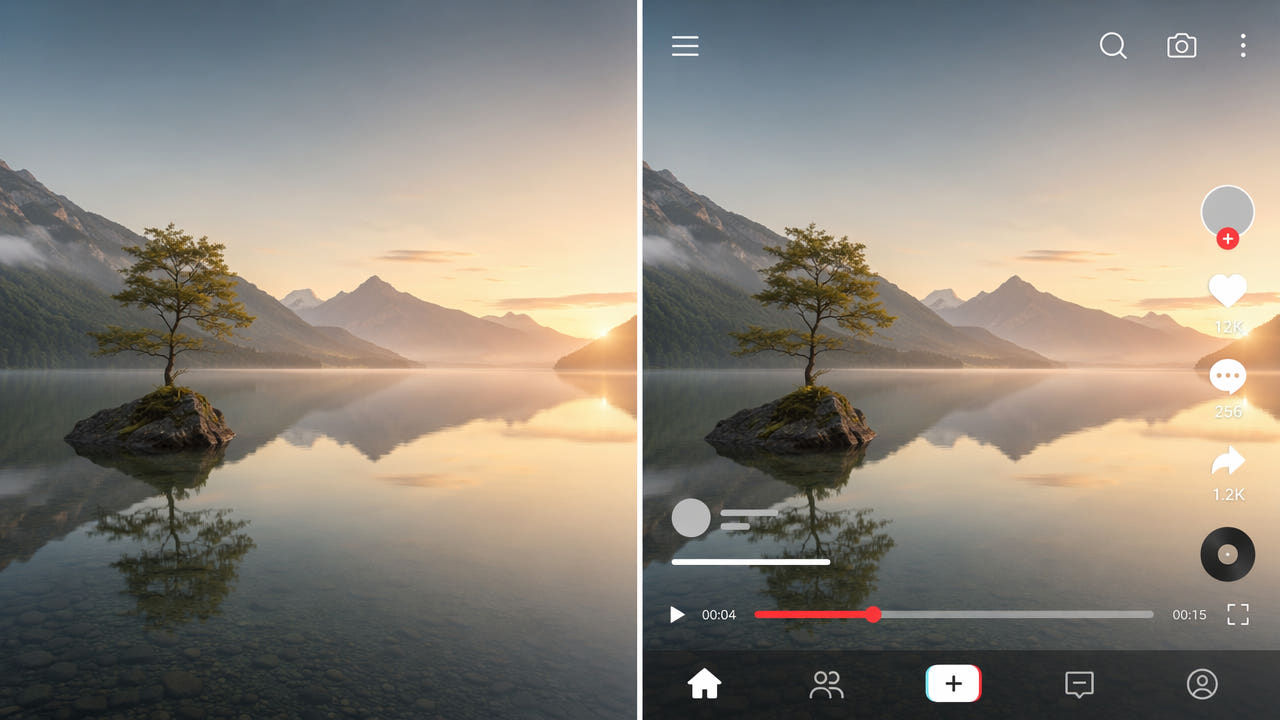
Prepare a Clean Video Without Text Overlays
Check editable text layers first, then review authorized options for flattened subtitles, logos, and graphics. Understand selected-area reconstruction and inspect the full export.
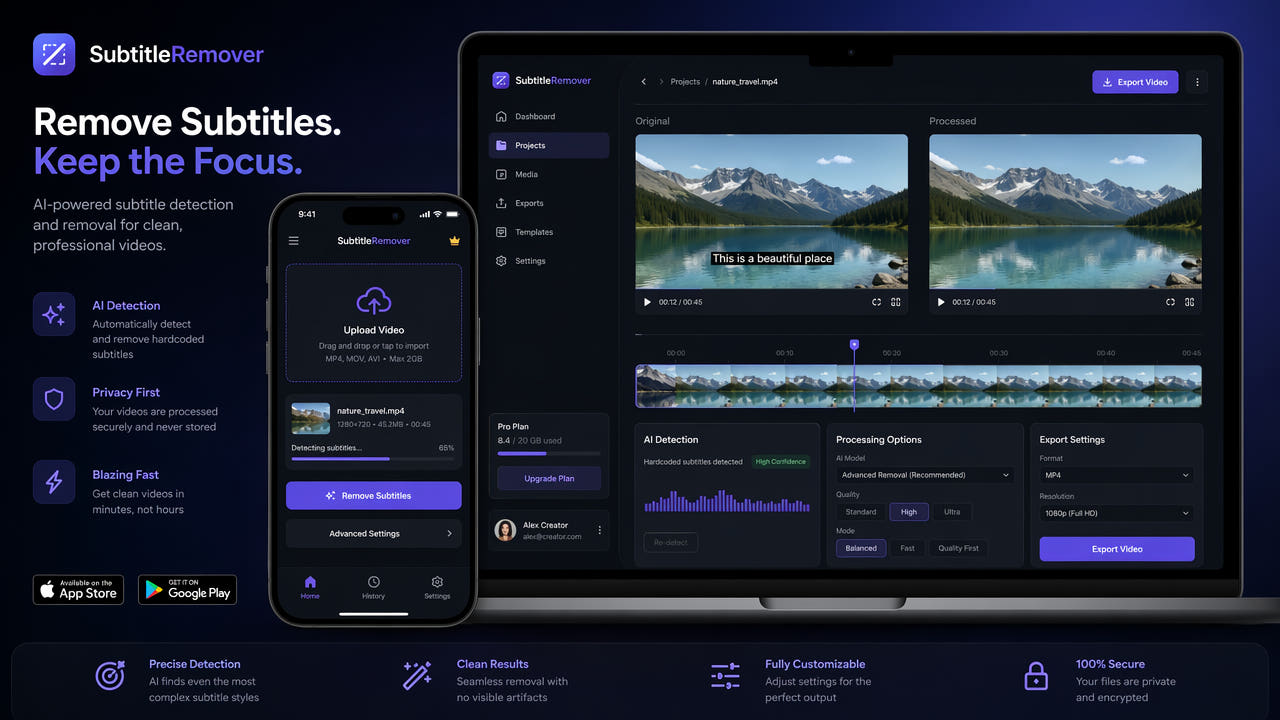
Choose a Video Subtitle Removal Workflow for Creators
Distinguish editable captions from embedded text, compare current tool controls and costs, and inspect full authorized video exports before reuse.
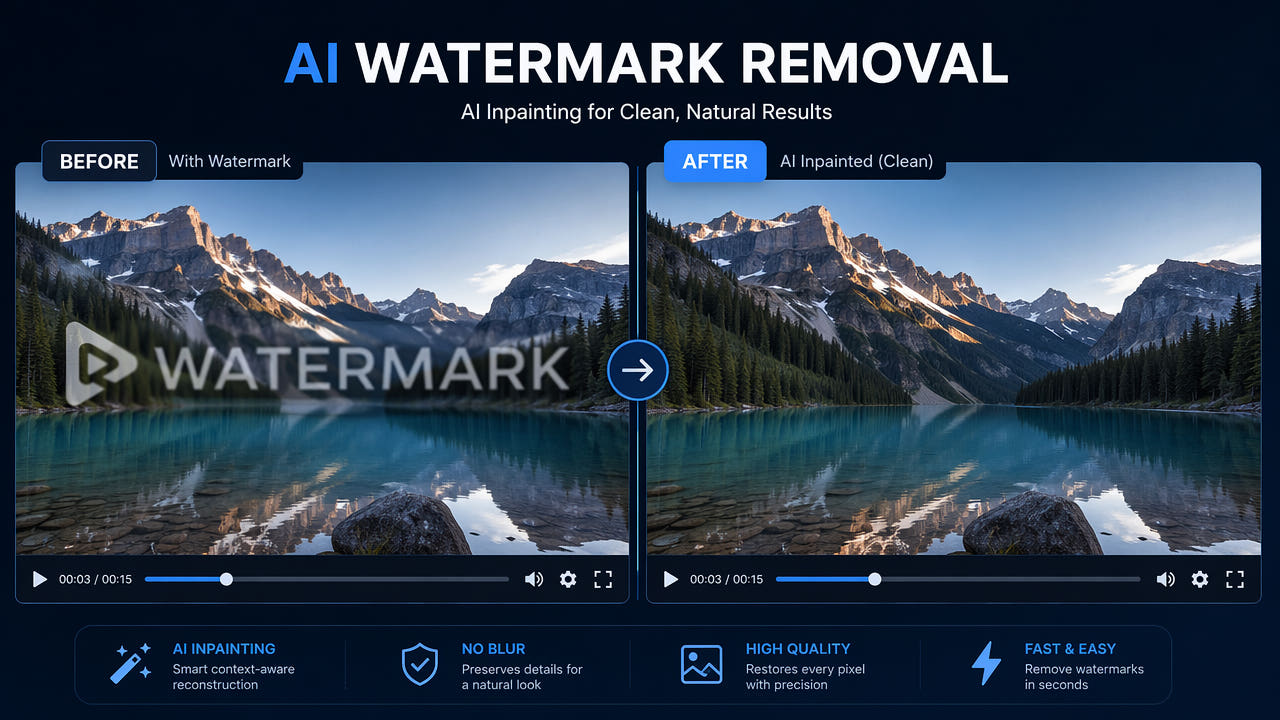
Video Watermark Removal Methods: Compare AI Reconstruction and Blur
Compare blur, masking, and AI reconstruction on footage you may edit. Each method changes the image; review the complete export for artifacts and picture, sound, or encoding changes.

Edit a CapCut Watermark in an Authorized Video
Check CapCut’s current clean-export options and editing rights. For an authorized finished MP4 or MOV, select the mark and review the complete 550W result.

Review Hardcoded Subtitles in Authorized Anime Clips
For anime footage you may edit, identify baked-in subtitles, test a selected region, and review detailed artwork across the full export before re-translation.

Review a Visible Mark on an Authorized Douyin Video
Learn how to inspect a visible overlay in a Douyin video you own or may edit, choose a supported region, and review the AI-estimated export without assuming platform behavior.
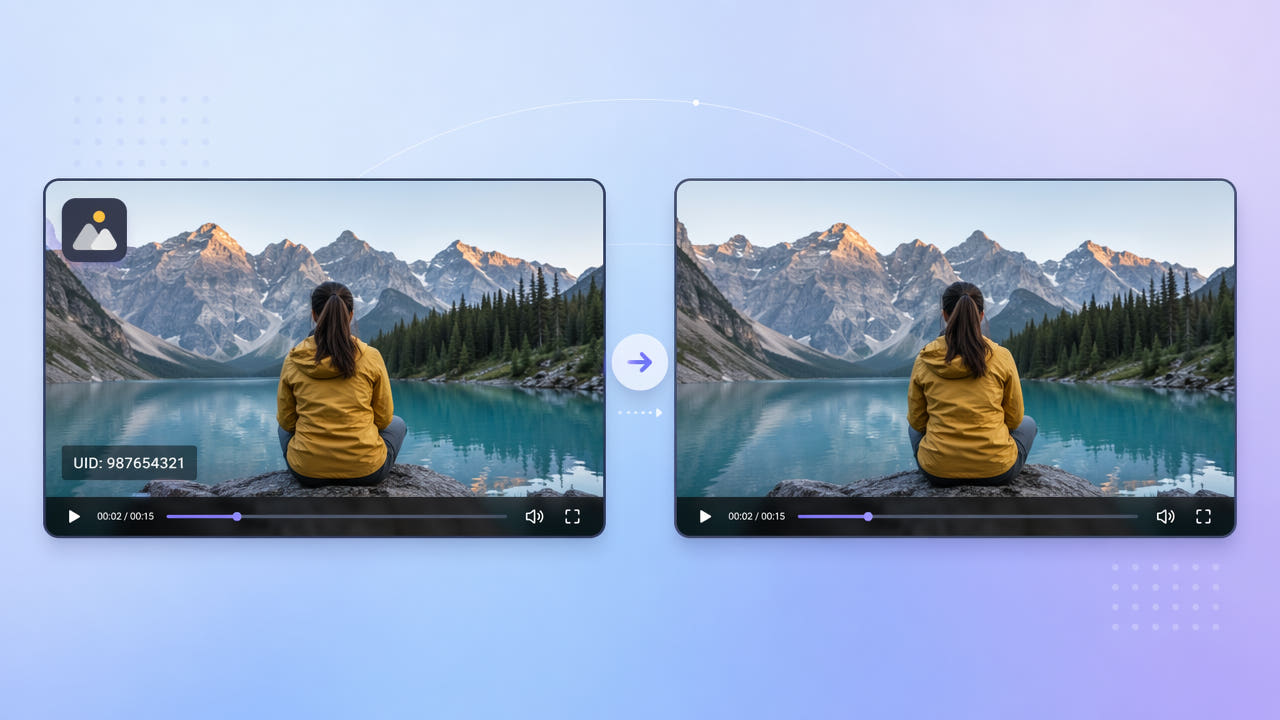
Edit Visible Bilibili Marks on Video You May Use
Review visible logos or UID text in an authorized Bilibili clip. Check rights, choose a narrow selection, and inspect the full 550W export for artifacts.

Edit Emoji and Stickers in an Authorized Video
Check whether a sticker is still editable, then compare authorized source export, selected-area reconstruction, cropping, and masking. Review the complete video for artifacts.

Edit a Watermark on an Authorized Pinterest Video
Check rights and the source before editing a mark on a Pinterest video. Learn Standard selection, current upload limits, and full export review.
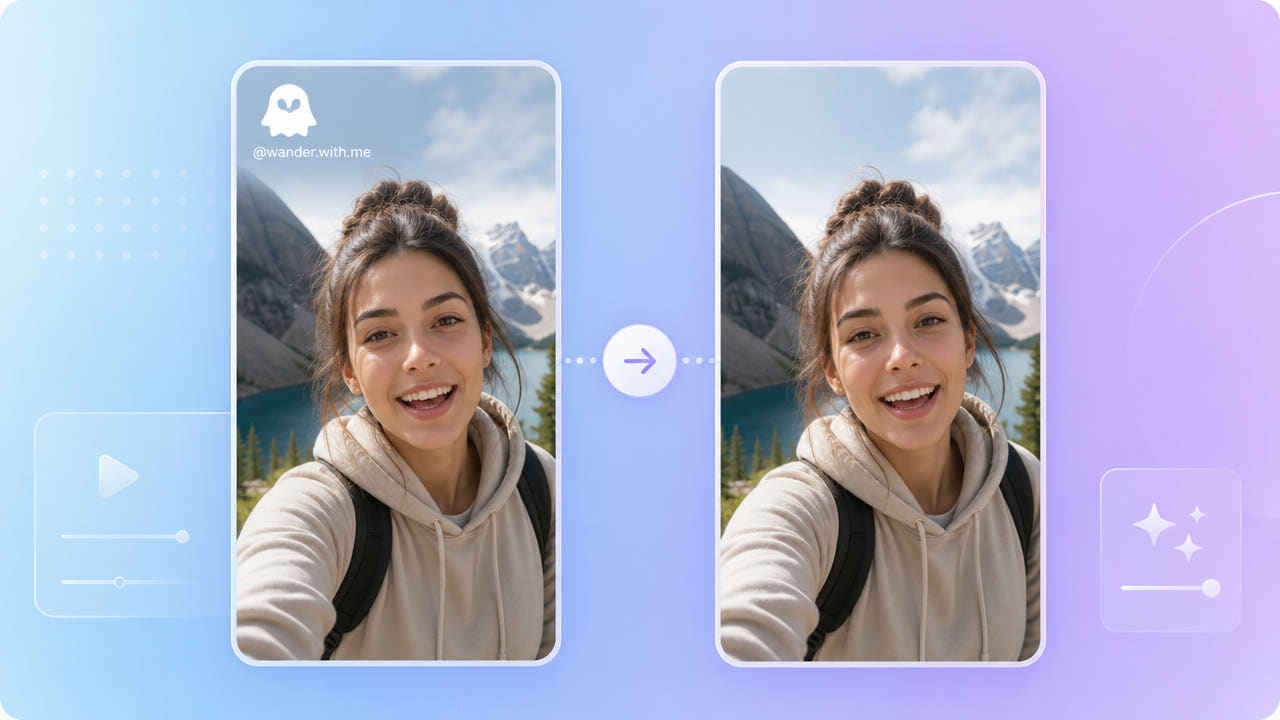
Review a Visible Mark in an Authorized Saved Snap
For a saved video you may edit, identify the visible mark, test a narrow selection, and review the full export before sharing.

Remove Text from Product Videos: Review Every Edited Shot
Clean outdated prices and promotional text from product videos you may edit. Learn selection, Standard mode, export review, and limits before reusing a clip.
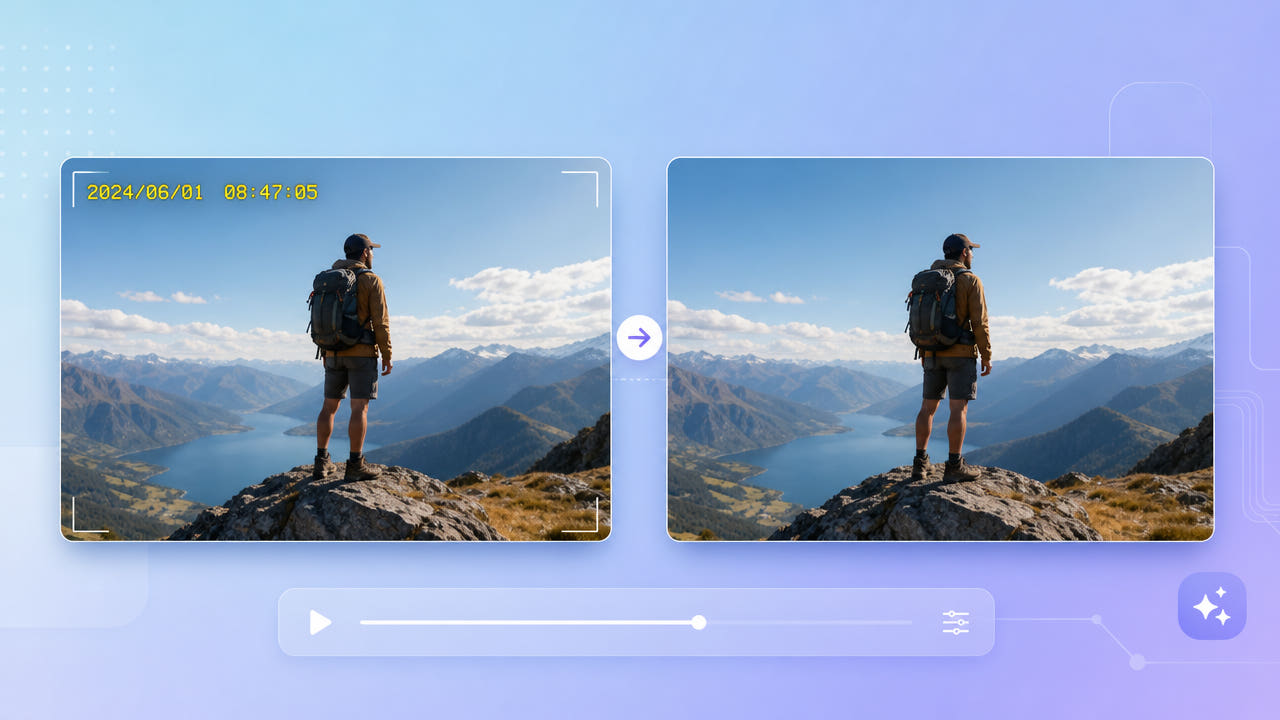
Review Visible Dates and Timestamps in Authorized Video
Check whether a timestamp is part of the picture, preserve an authorized original, test a selected area and review the full export and metadata separately.
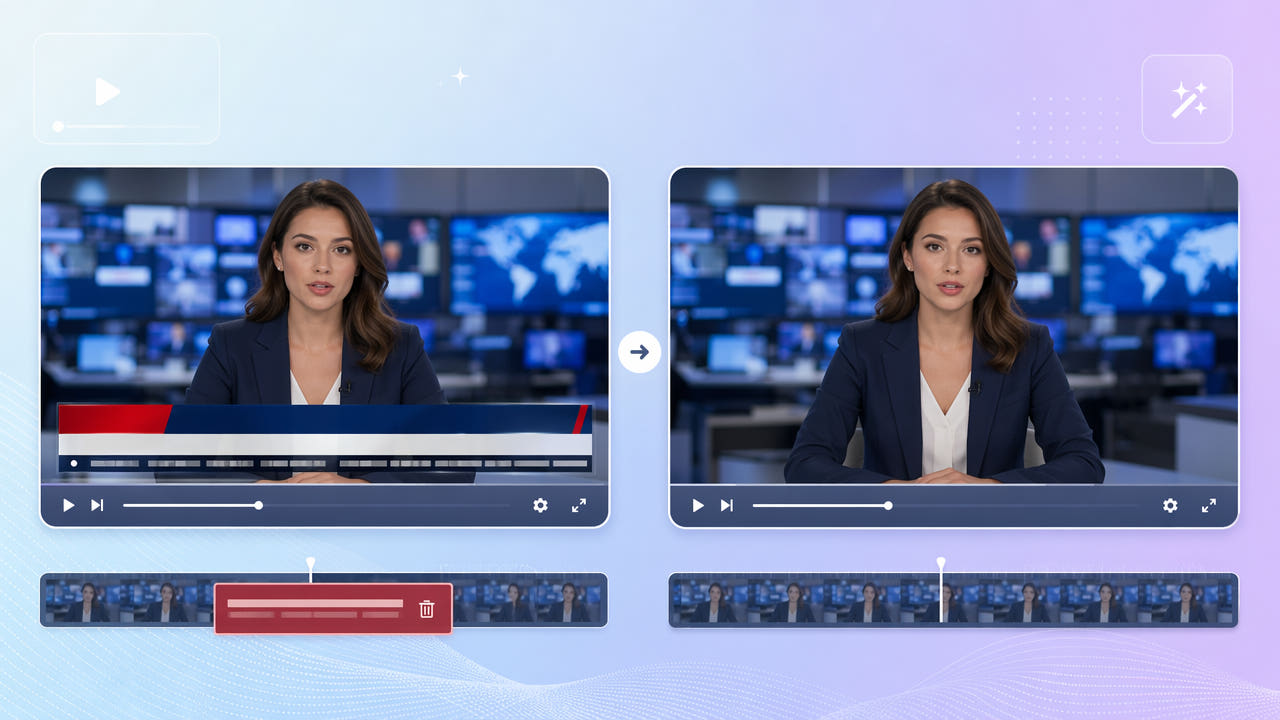
Review News Tickers and Lower Thirds in Authorized Video
Select a news ticker or lower third in footage you may edit, test AI reconstruction, and inspect the full export for artifacts and rights requirements.

Remove a Screen Recorder Mark from an Authorized Capture
Review how to edit a recorder mark in a screen capture you may use. Check recorder license, Standard selection, UI detail, and the full exported result.
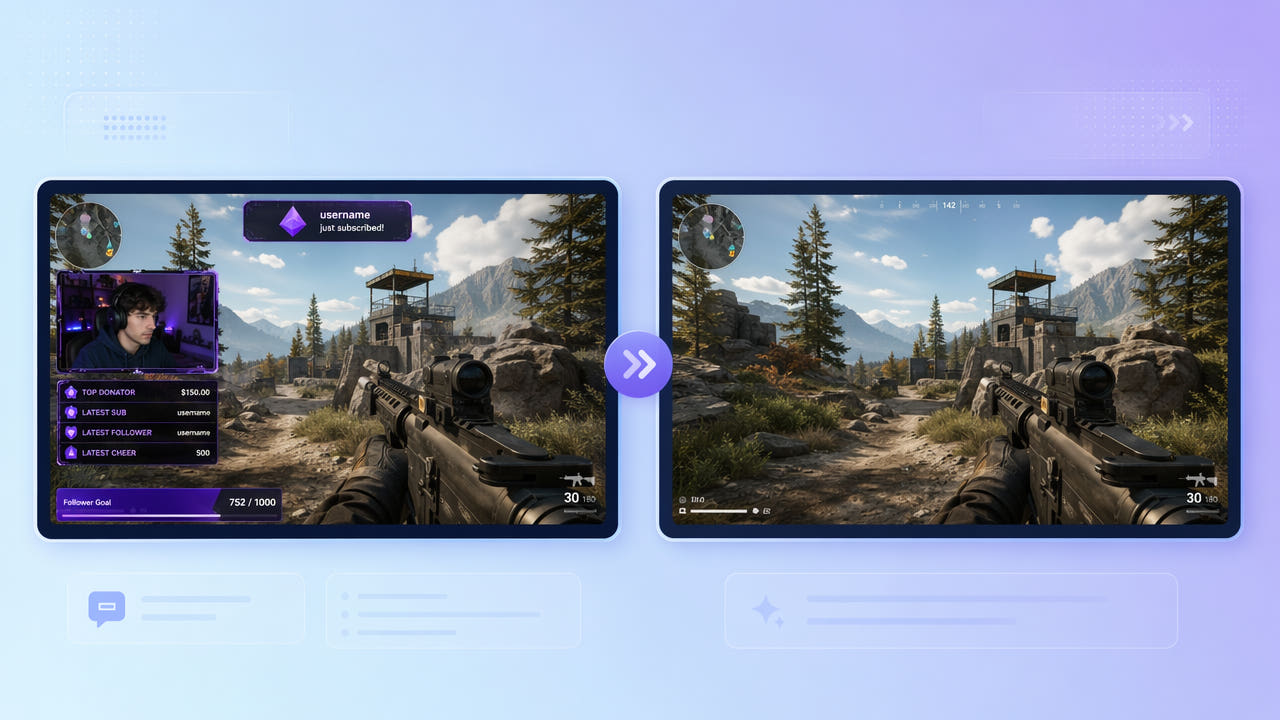
Remove Twitch Stream Overlays from Authorized Clips
Review how to clean webcam frames, chat panels, and alerts from Twitch footage you may edit. Select affected areas and inspect the exported gameplay.
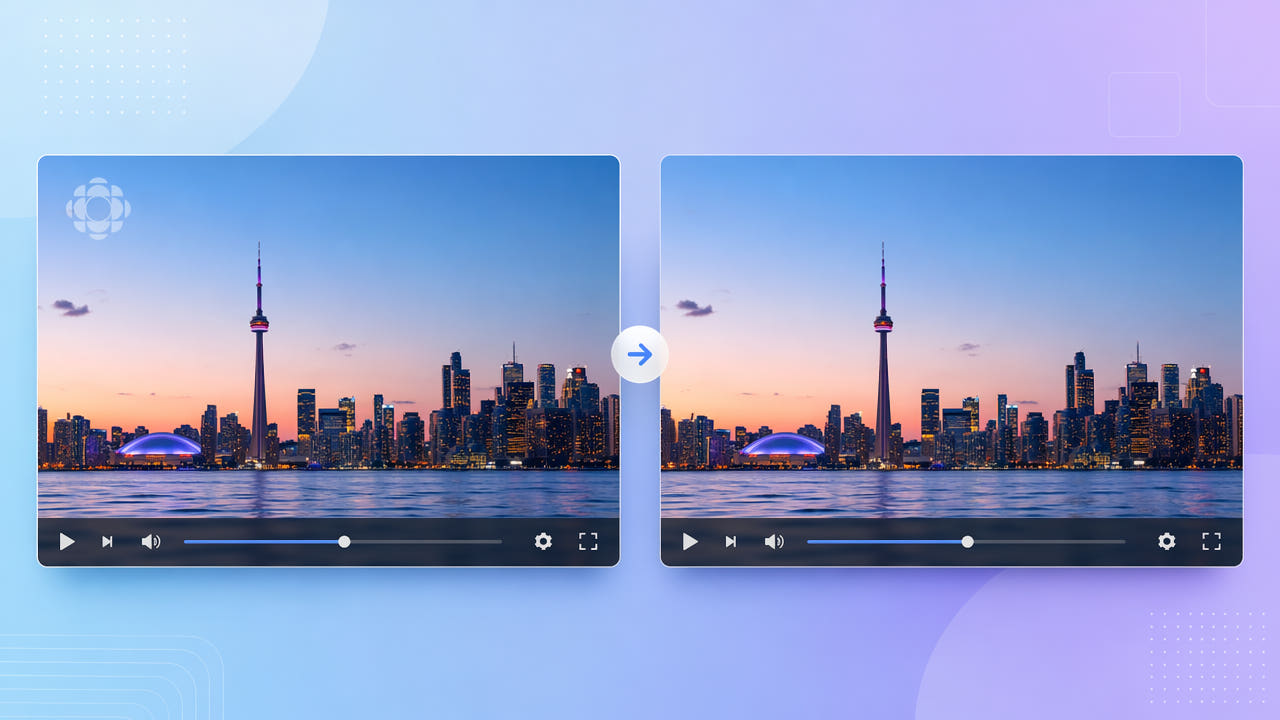
Review Channel Logos in Authorized TV Recordings
Identify a channel logo in footage you may edit, test selected-area reconstruction, and inspect the full export for artifacts and reuse rights.
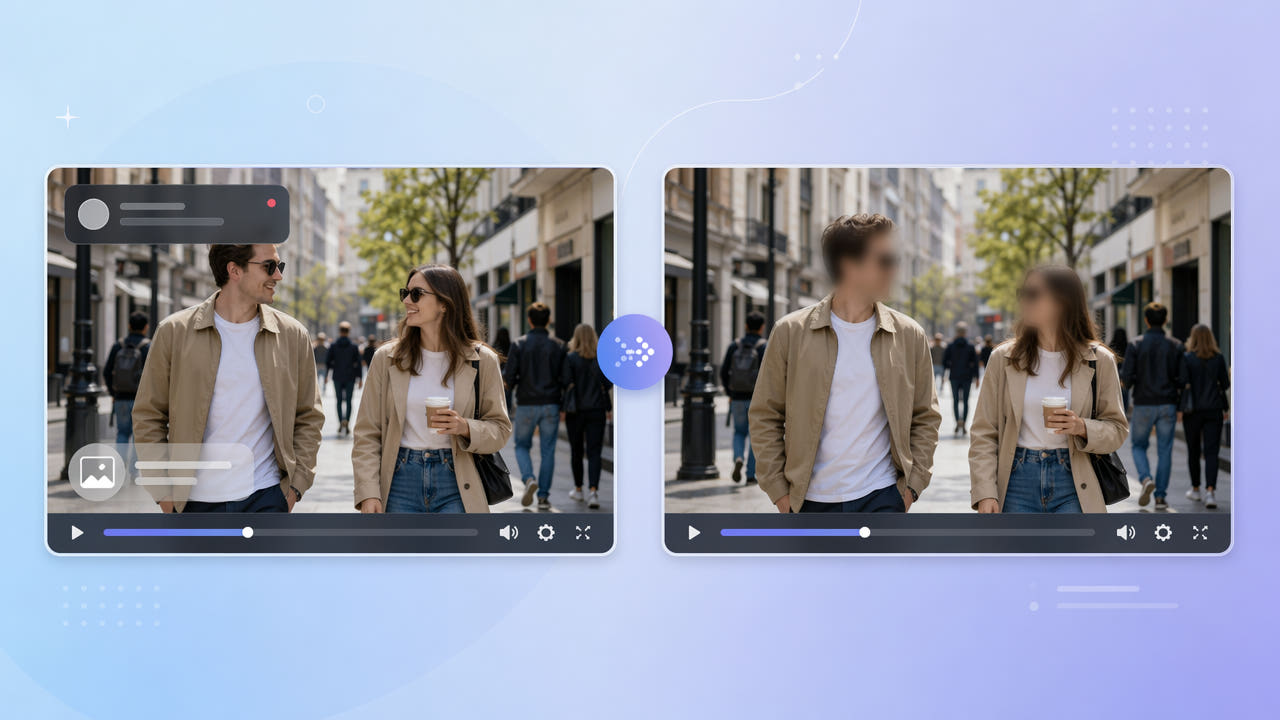
Blur or Redact Faces in Video: A Privacy Review Workflow
Learn when to use blur or masking for faces and what 550W Video Eraser can process. Review the full export and other identifying cues before sharing.
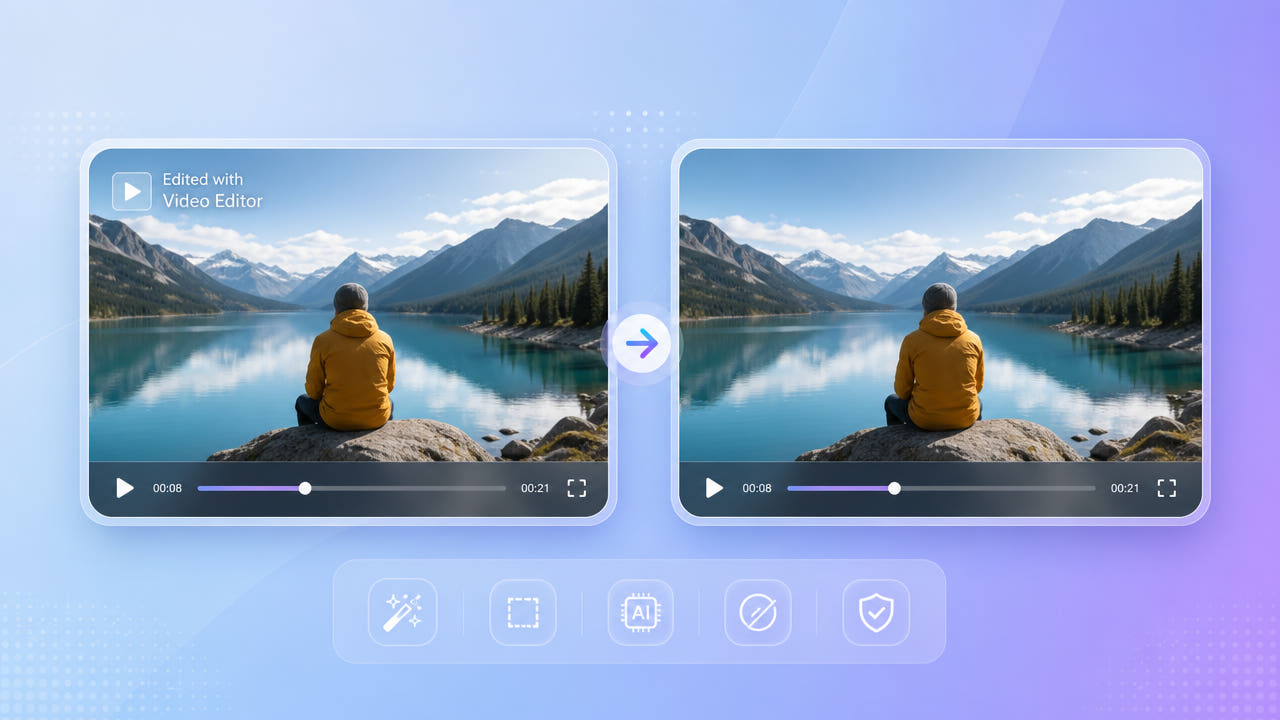
Edit a KineMaster Watermark in an Authorized Video
Check KineMaster’s current export settings and permissions. For an authorized MP4 or MOV with a visible mark, test a selection and review the complete output.

Review a Visible Overlay on an Authorized Veo Video
Review only a visible overlay in a Veo-related video you are authorized to edit. Learn the selection limits, provenance distinction, and export checks without assuming a universal Veo mark.
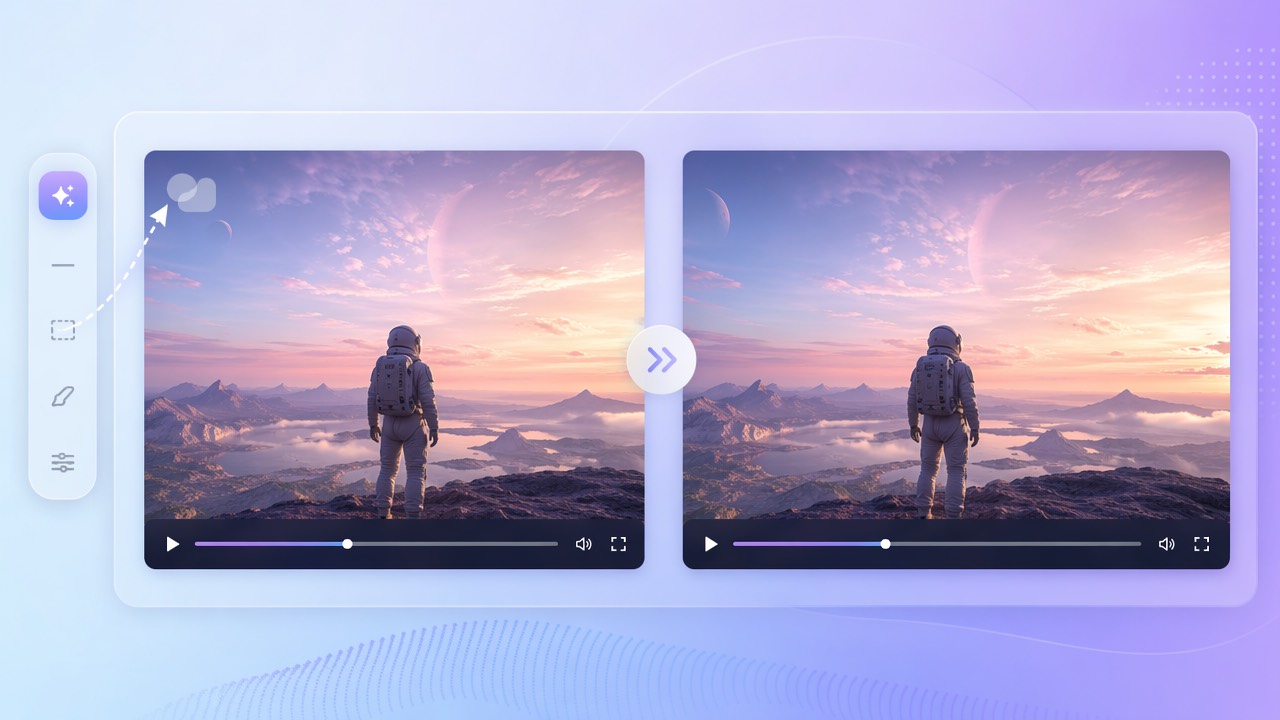
Review a Visible Mark on an Existing Sora Video
A cautious workflow for an existing Sora export: inspect a visible overlay, process only an authorized selection, and review provenance and the complete encoded result.
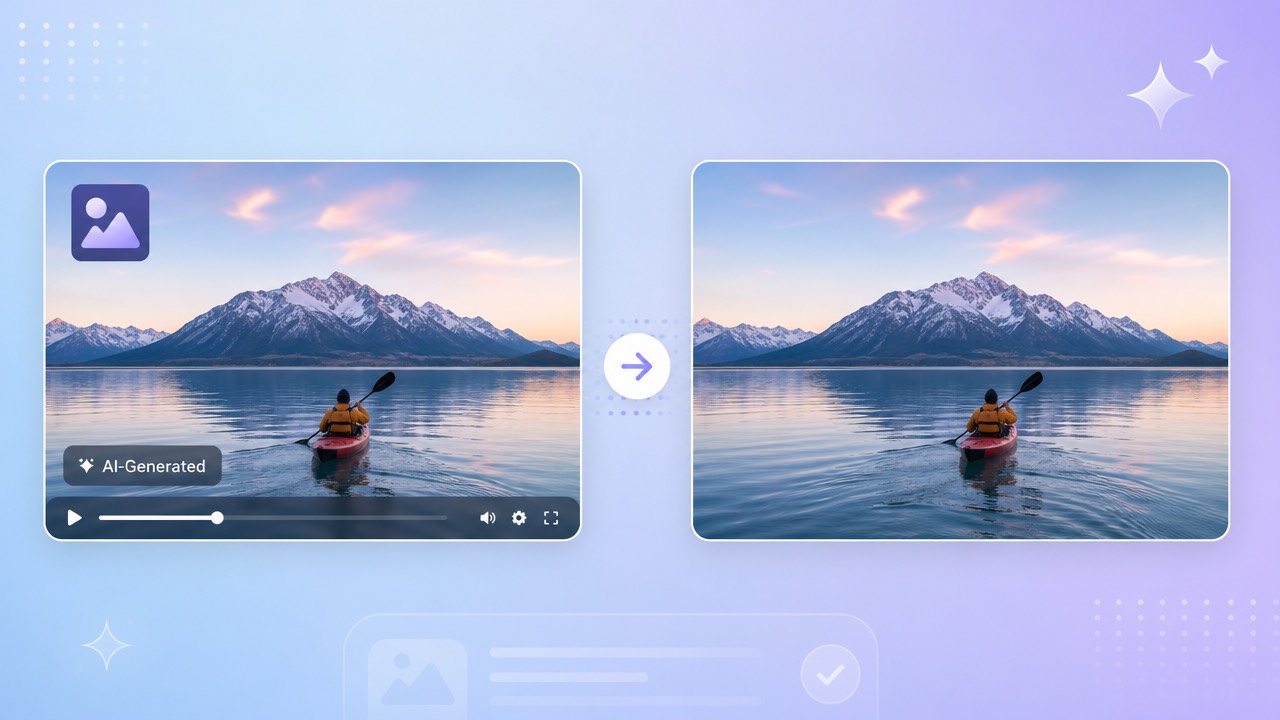
Edit a Visible Mark on an Authorized Seedance Video
Review a visible overlay on an authorized Seedance export, select the affected area, and inspect AI reconstruction, rights, provenance, and output quality.

HitPaw Alternative for Video Cleanup: What to Verify
Compare the current HitPaw and 550W workflows with authorized sample video. Check format limits, selection controls, pricing, privacy terms, and the full exported result.
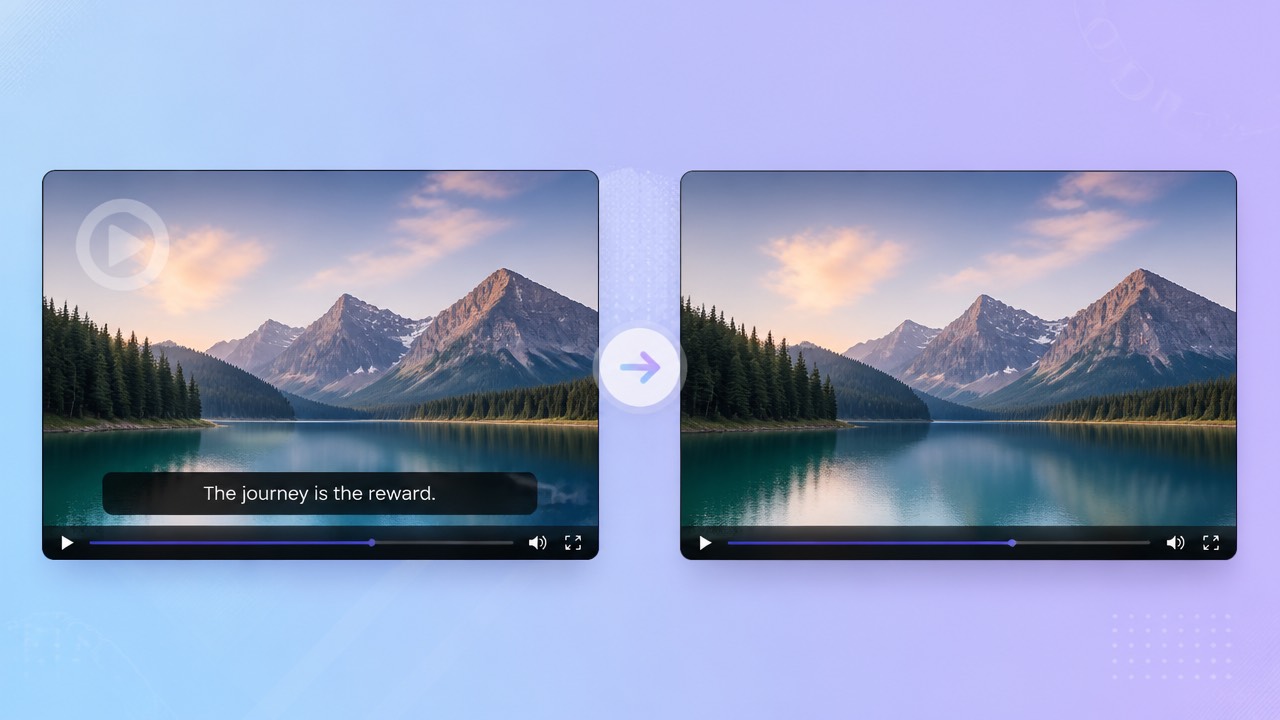
Media.io Alternative for Video Cleanup: What to Verify
Compare the current Media.io and 550W workflows with authorized sample video. Check format limits, selection controls, pricing, privacy terms, and the full exported result.
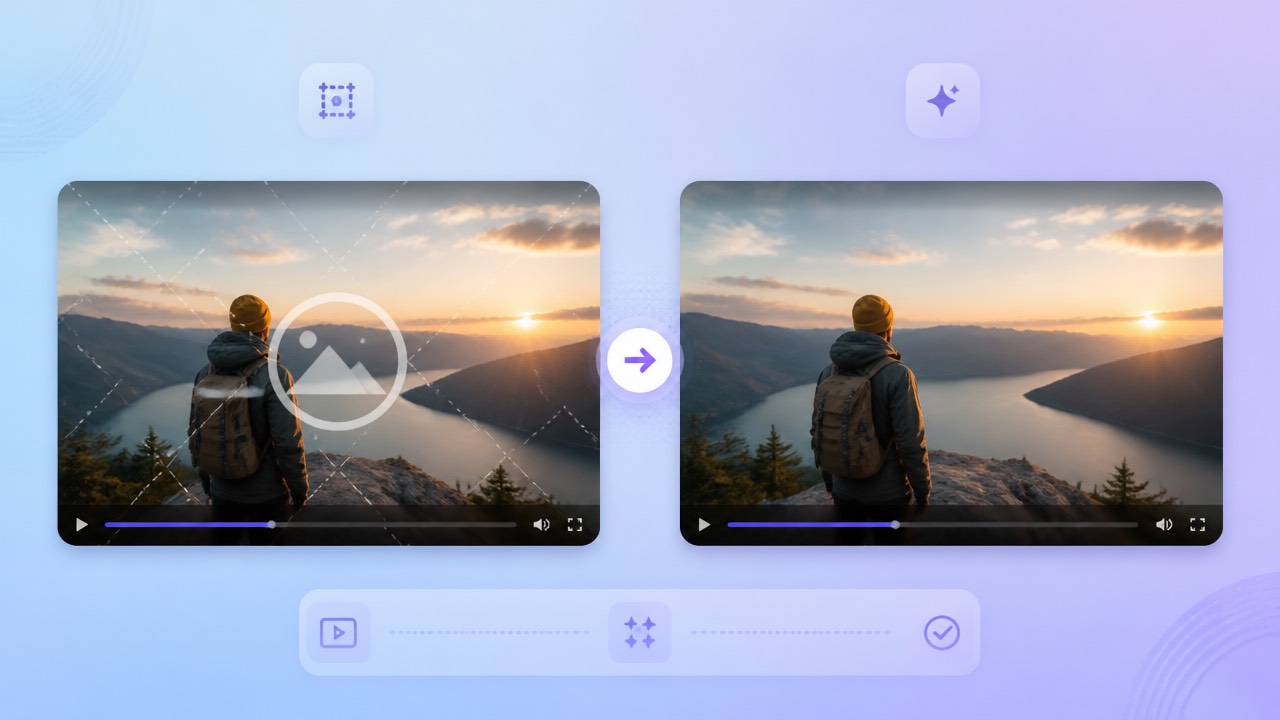
Vmake Alternative for Video Cleanup: What to Verify
Compare the current Vmake and 550W workflows with authorized sample video. Check format limits, selection controls, pricing, privacy terms, and the full exported result.
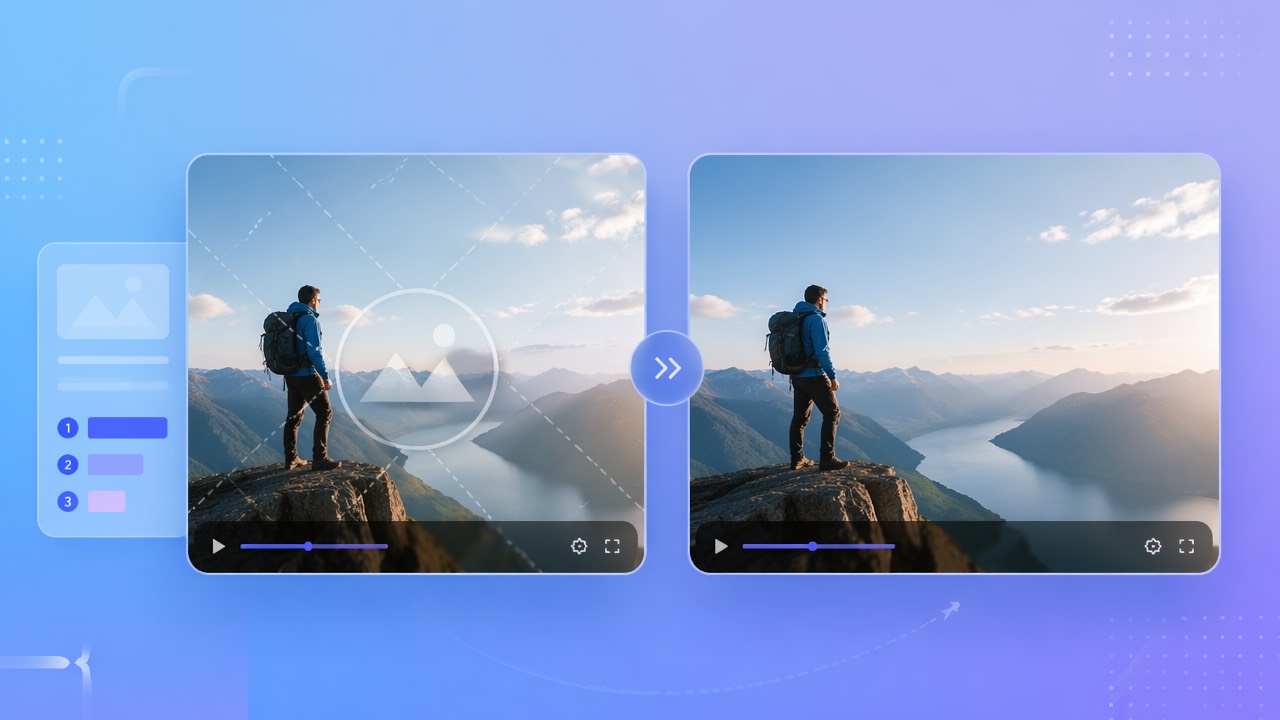
Compare Video Watermark Editing Methods and Tools
Evaluate video watermark tools with authorized footage. Check current features, limits, pricing, selection controls, and the complete exported result.
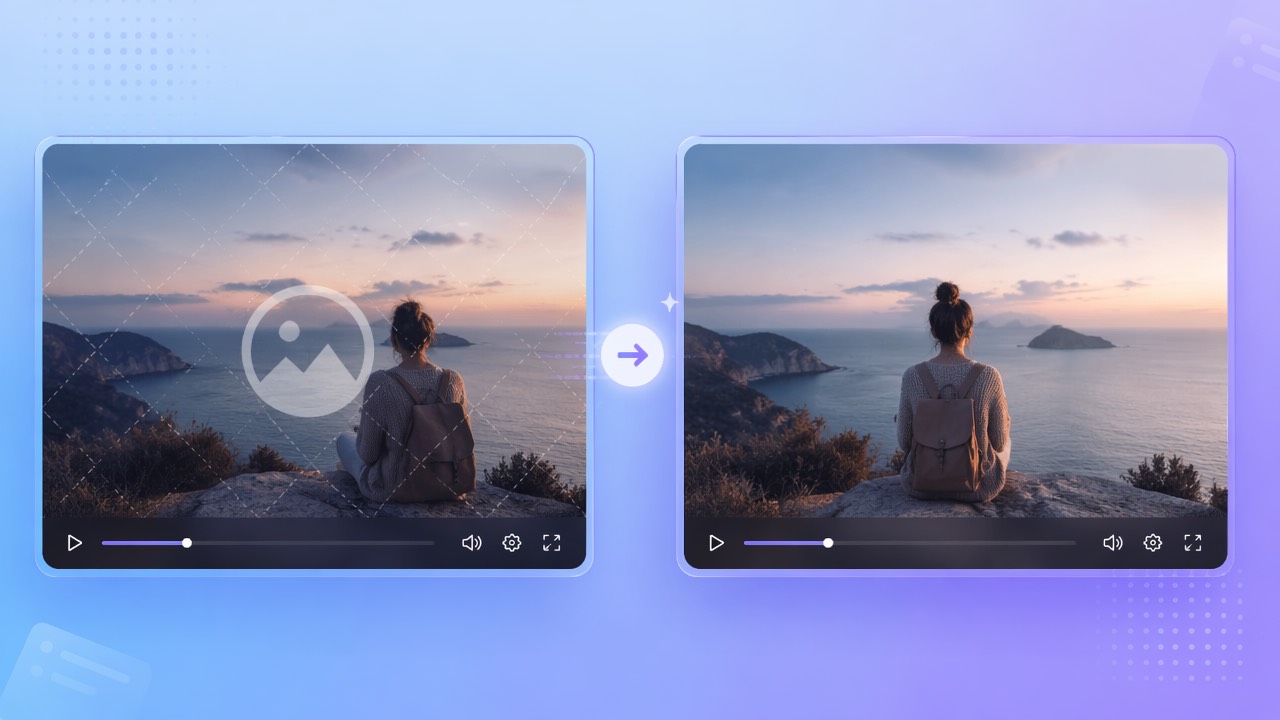
Apowersoft Alternative for Video Cleanup: What to Verify
Compare the current Apowersoft and 550W workflows with authorized sample video. Check format limits, selection controls, pricing, privacy terms, and the full exported result.
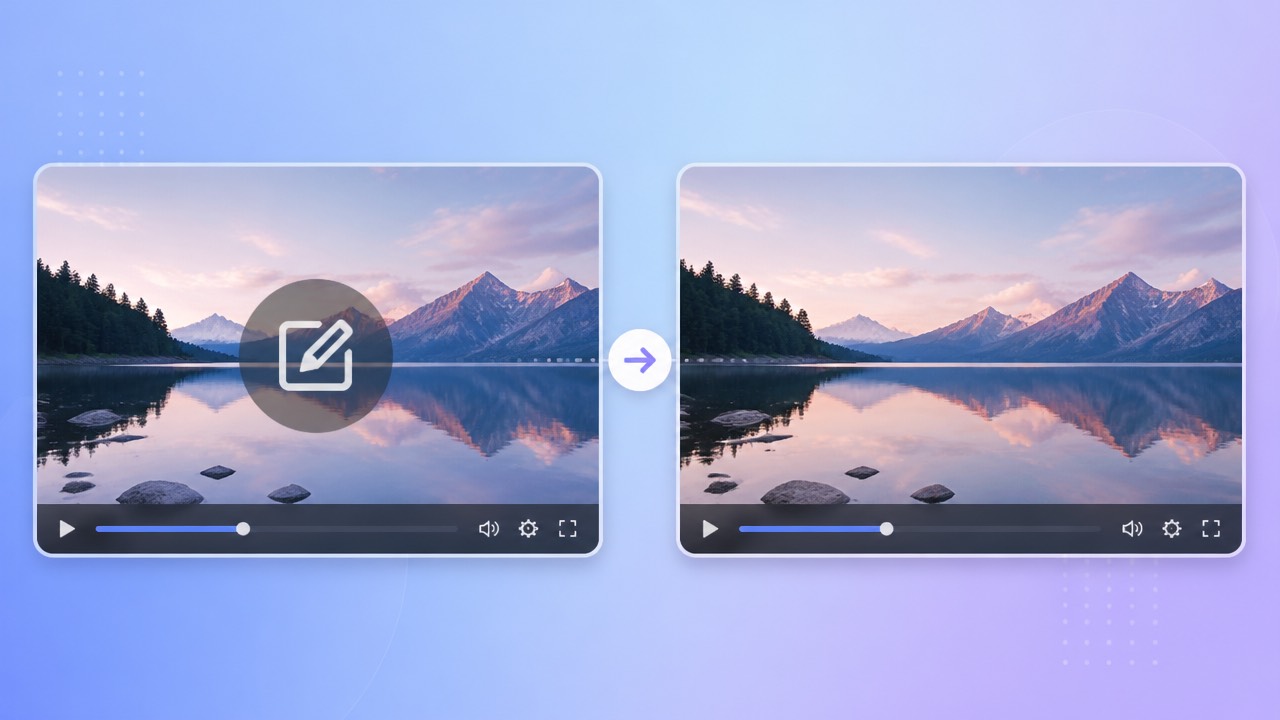
Edit a Filmora Watermark in an Authorized Video
Check Filmora’s current clean-export and license options first. If you may edit a finished MP4 or MOV, select the visible mark and inspect the full result.
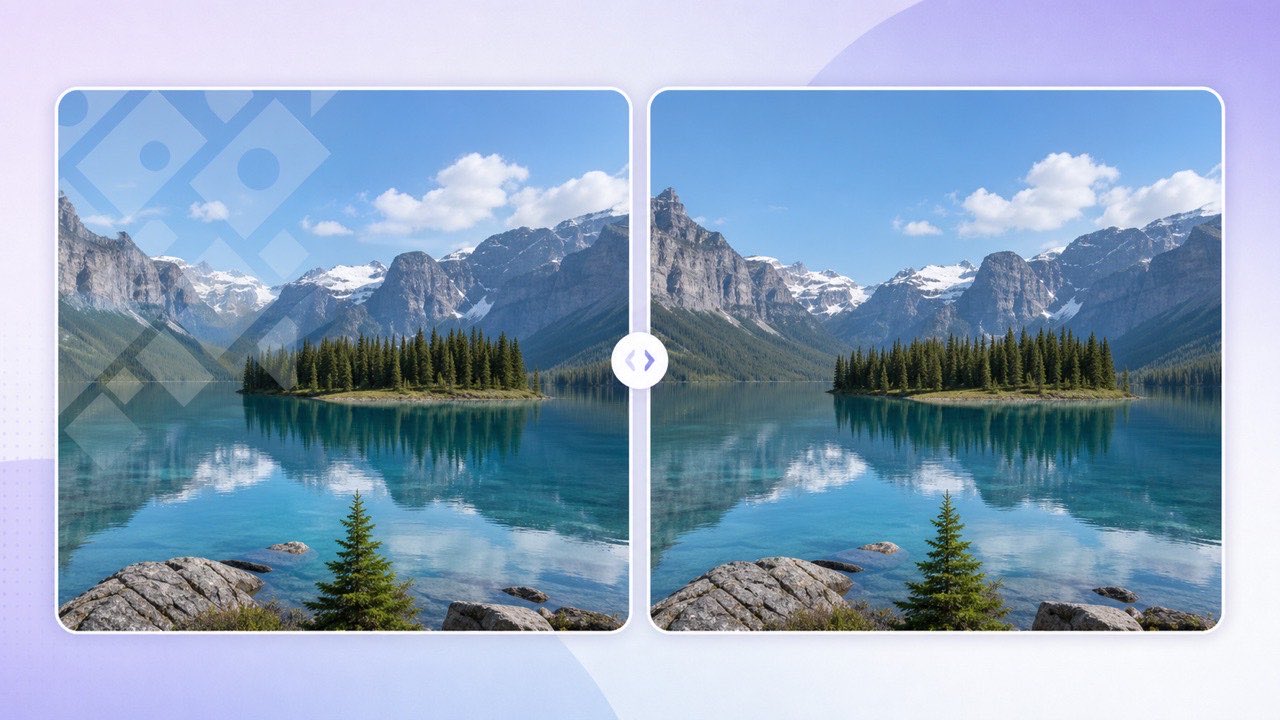
Review AI Watermark Removal for Images Online
Use Image Eraser on authorized JPG, PNG, BMP, WebP, AVIF, TIFF, or SVG files. Check current limits, review the JPG output, and download it within 24 hours.

Remove Text from Images with AI Inpainting
Compare AI inpainting with blur for removing captions, labels, and other text from images you own or may edit. Inspect reconstructed areas for artifacts.

Batch Remove Watermarks from Images
Remove watermarks and text from up to 20 images per batch with an AI queue and success-only billing.

Review AI Logo Edits in Product Photos
Use AI to estimate a replacement for an overlay in a product photo you may edit. Framing and product details can change; inspect the full-size output before publishing.

Review AI Date Stamp Removal from Photos
Use AI to estimate replacement detail around a date stamp in a photo you may edit. Keep the original and inspect the processed JPG before using it.

How to Compare AI Image Watermark Removers
Use a practical checklist to compare AI inpainting, image formats, batch workflows, privacy, pricing, and result review. Check current limits before uploading.
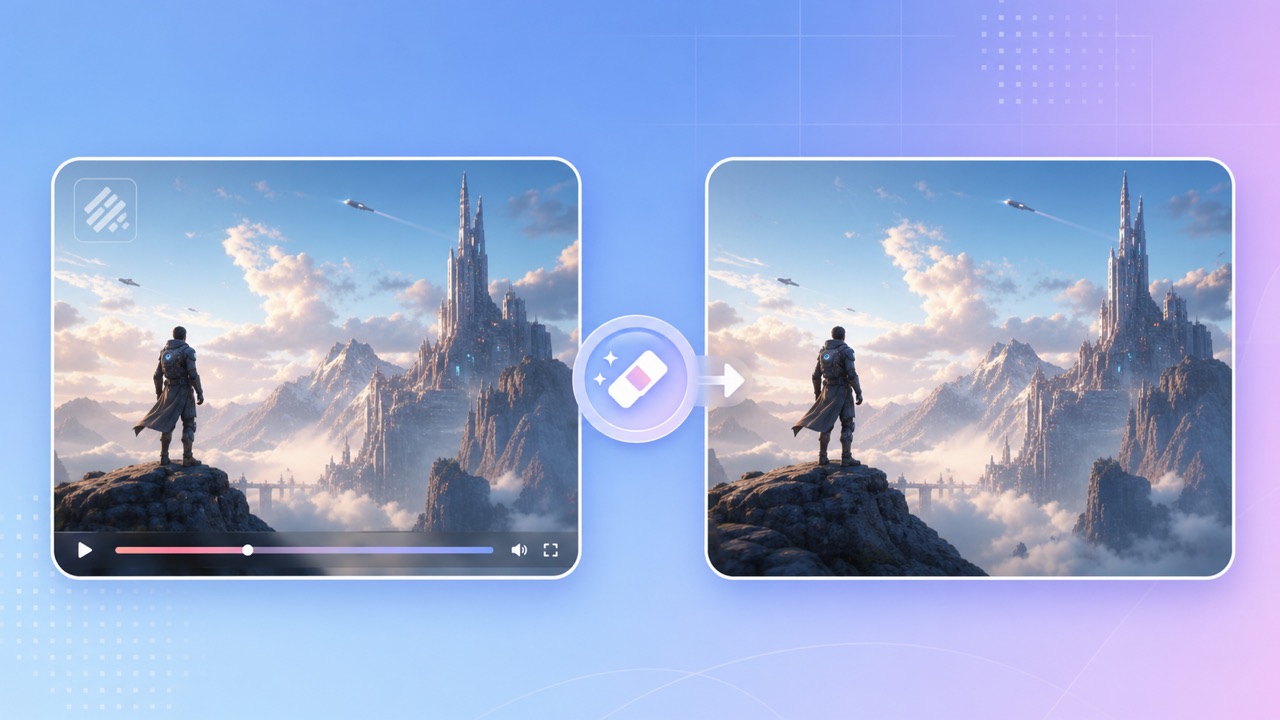
Edit a Visible Kling Mark on Video You May Use
Check Kling export rights and current terms, select a visible mark on authorized footage, and inspect the full result. AI estimates image content; it does not restore hidden pixels.

How to Review a Visible Overlay in a Runway Video
Check current export options first. For a video you are authorized to edit, compare selected-area AI reconstruction with crop or blur and review the complete output.

How to Remove a Pika Watermark from Video
Remove a visible Pika watermark from your own short video using AI inpainting and keep the full vertical or landscape frame.

Remove a Watermark from an AI-Generated Image
Remove visible AI-image watermarks and text from authorized JPG, PNG, WebP, AVIF, TIFF, BMP, or SVG files online.

Remove Price Text from a Product Photo Online
Erase outdated prices, sale badges, and promotional text from authorized product photos with AI background reconstruction.

Remove Watermarks from Real Estate Photos
Review options for removing visible overlays from property photos you are authorized to edit. AI inpainting estimates covered pixels; inspect architectural details and keep the original.

Video Eraser API for Video Subtitle and Watermark Removal
Integrate the 550W API for authorized video subtitle or selected-area watermark processing and image watermark removal. Review async jobs, callbacks, billing, and manual result checks.

Batch Video Watermark Removal for E-commerce Teams
Build a reviewable batch workflow for cleaning authorized product videos across marketplaces, catalogs, agencies, and localized campaigns.

Privacy-Safe Video Redaction for Faces and Identifying Text
Plan safer video redaction for faces, names, screens, addresses, and other identifiers, with consent, access control, review, and audit guidance.