Review AI Watermark Removal for Images Online
Updated · Product workflow reviewed by 550W AI Labs
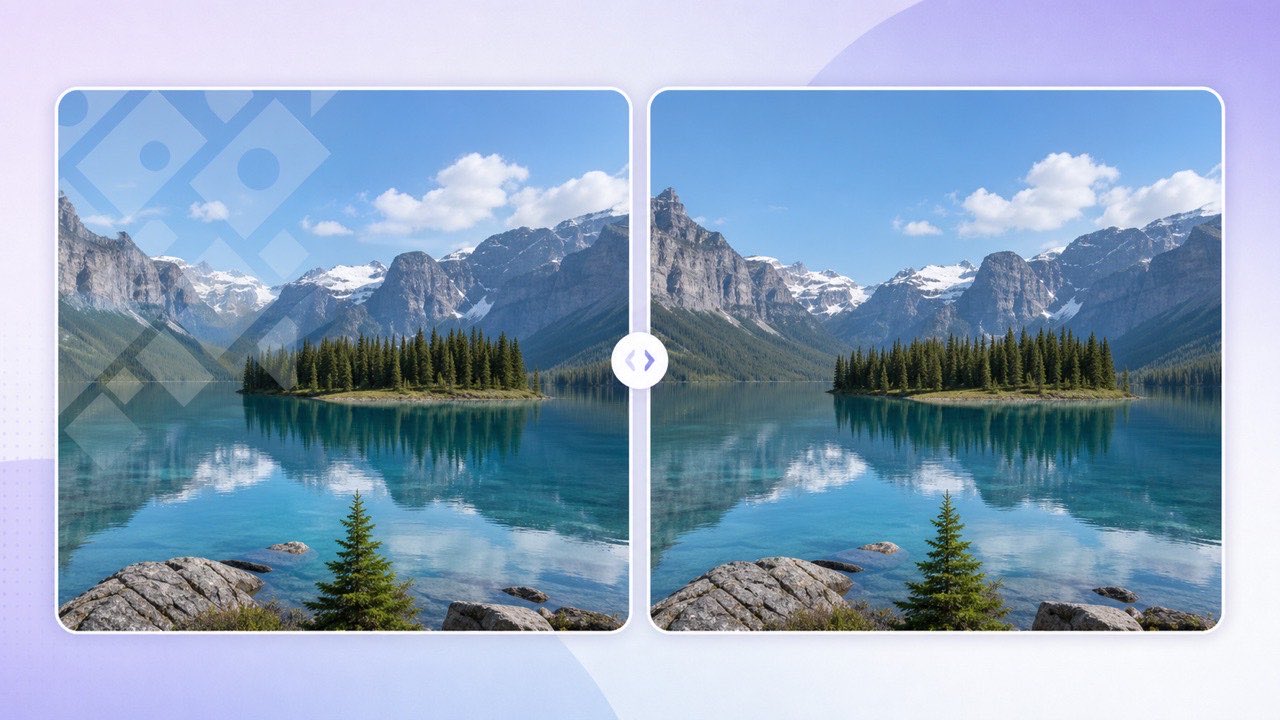
AI Estimates, Cropping, and Blur: Compare the Trade-offs
Cropping can remove a corner watermark, but it also changes the framing and may cut away useful detail. Blurring keeps the frame size, yet leaves an obvious patch that still draws attention to the edited area.
Keep the Original Composition
An AI image eraser estimates replacement pixels from visible surroundings; it cannot recover the hidden originals. Background complexity affects the result, so inspect the JPG at full size, especially around faces, hands, text, and unique objects.
Rebuild Instead of Hiding
Use watermark removal only on images you own or have permission to edit. Removing attribution does not transfer copyright or create reuse rights.
AI estimates replacement pixels; compare the result with the original and choose cropping or blur if either better fits the image.
Remove an Image Watermark in Three Steps
Open 550W Watermark & Text Eraser and switch from Video Eraser to Image Eraser. Select a JPG, PNG, BMP, WebP, AVIF, TIFF, or SVG image, or choose several files to create a batch queue. Each image is previewed before processing.
Upload
After processing succeeds, 550W returns a JPG and deducts 10 credits. A failed task is not charged. Check the current estimate in the interface before submitting.
Process and Download
The download link for a processed JPG is available for 24 hours. Download and review it within that window, and check the interface for current availability details.
A successfully processed image returns as a JPG, costs 10 credits, and has a 24-hour download link.
Tips for a Cleaner Result
Use the highest-resolution original you have. Repeated social-media compression creates ringing and block artifacts around watermark edges, giving the model less reliable context to rebuild.
Start with the Best Source
Semi-transparent marks and simple backgrounds may provide more context, but results vary. Opaque marks over faces, hands, fine typography, or unique objects hide information; inspect those results closely.
Know the Difficult Cases
If the same mark appears across many files, use multi-image selection. Every file remains an independent task, so one unsupported image does not block the rest of the queue.
A clear original can provide more context, but AI may still alter details; inspect each output.
Frequently asked questions
What image formats are supported?
The online Image Eraser supports JPG, PNG, BMP, WebP, AVIF, TIFF, and SVG files up to 50 MB each.
How much does image watermark removal cost?
Each successfully processed image costs 10 credits. Failed processing does not deduct credits.
How long is the download available?
The download link for a processed JPG is available for 24 hours. Download and review the result within that window.
Can I remove watermarks from several images?
Yes. Select up to 20 images and submit them as a queue; each image is processed and billed independently.