Remove Text from Images with AI Inpainting
Updated · Product workflow reviewed by 550W AI Labs
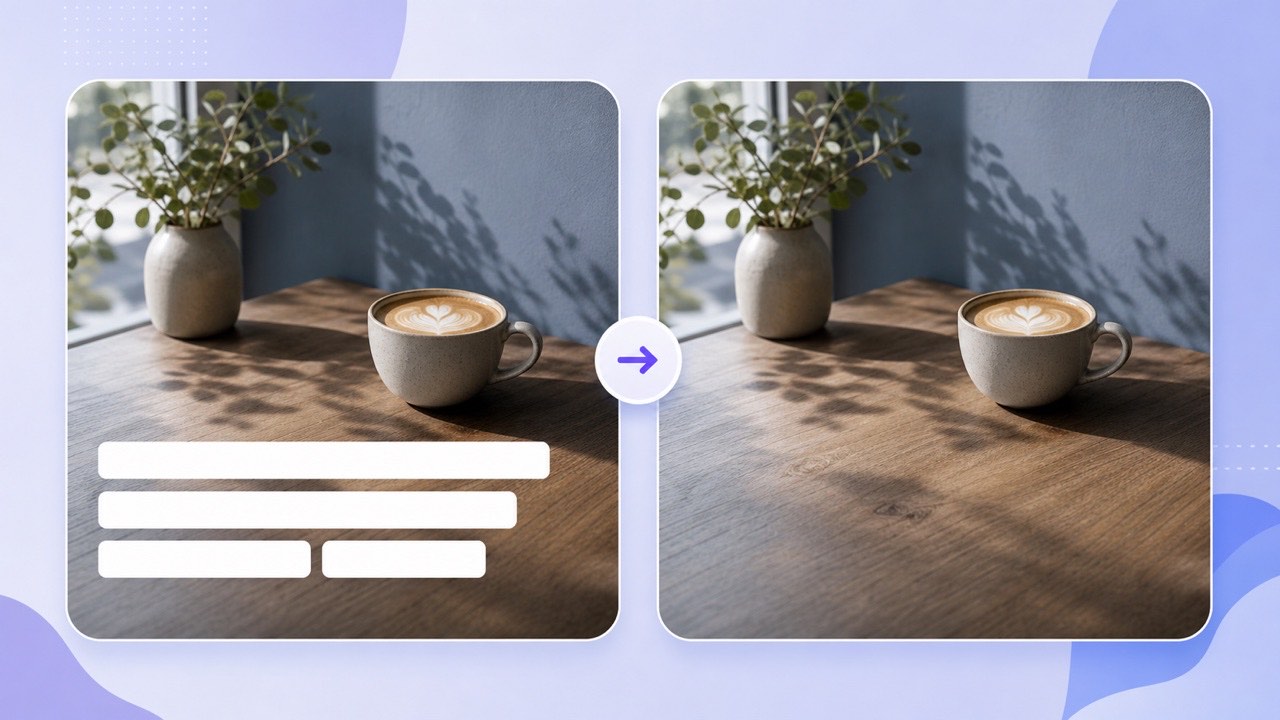
How Blur, Cloning, and Inpainting Differ
A blur tool softens the letters but also destroys the background beneath them. The result often looks like a translucent bar, especially next to sharp edges or detailed textures.
Blur Hides Detail
Clone stamps can work, but require careful sampling and may create repeating patterns. AI inpainting estimates replacement pixels from nearby color, lighting, and texture; it does not recover the hidden original and can leave soft areas or other artifacts.
Manual Cloning Repeats Texture
An AI text remover can be one option for editing your own promotional graphics, removing obsolete labels, or preparing an image for a new localized caption. Inspect the result before using it.
Inpainting, blur, and cloning change an image in different ways; compare the result and check the edited area.
A Simple Online Text-Removal Workflow
Open Image Eraser from this guide. The browser uploads your image for cloud processing. Use a file you own or have permission to edit and keep the original.
Preview Before You Submit
Choose one image for a before-and-after view, or up to 20 for the task list. Check the uploader for supported formats and file-size limits. Signed-in processing costs 10 credits per successful image.
Download and Inspect the JPG
Review the reconstructed area at full size before using the JPG. Check lettering you wanted to keep, product edges, and background texture. If a single-image response takes longer, follow the job in Recent Image Tasks instead of submitting it again.
Keep the source, review the JPG, and download it while the temporary result link is available.
Where Image Text Removal Works Best
Text over sky, walls, grass, paper, packaging backgrounds, and shallow depth-of-field scenes may leave more nearby context for estimating replacement pixels.
Good Candidates
Results need closer review when letters cross a face, intricate product edge, reflection, or one-of-a-kind object. The text may hide structural information that cannot be inferred perfectly from neighboring pixels.
Review Complex Subjects
For localization, remove the old language first, then add the translated copy in your design tool. This produces cleaner typography than painting a solid rectangle behind the new text.
Consistent backgrounds are ideal; text crossing important unique detail deserves a careful before-and-after inspection.
Frequently asked questions
Will the result contain a blurred patch?
The tool uses AI inpainting rather than a blur filter, but the reconstructed area may still look soft or contain artifacts. Review it at full size.
Can I remove captions from a screenshot?
Yes, provided you own or have permission to edit the screenshot and it uses a supported image format.
Does the tool preserve PNG transparency?
The current TextIn processing result is a JPG, so transparent areas are flattened in the downloaded output.
Are failed images charged?
Failed processing or submission does not deduct image credits. For signed-in processing, a successful image costs 10 credits; downloading the result is a separate step.