Review AI Date Stamp Removal from Photos
Updated · Product workflow reviewed by 550W AI Labs
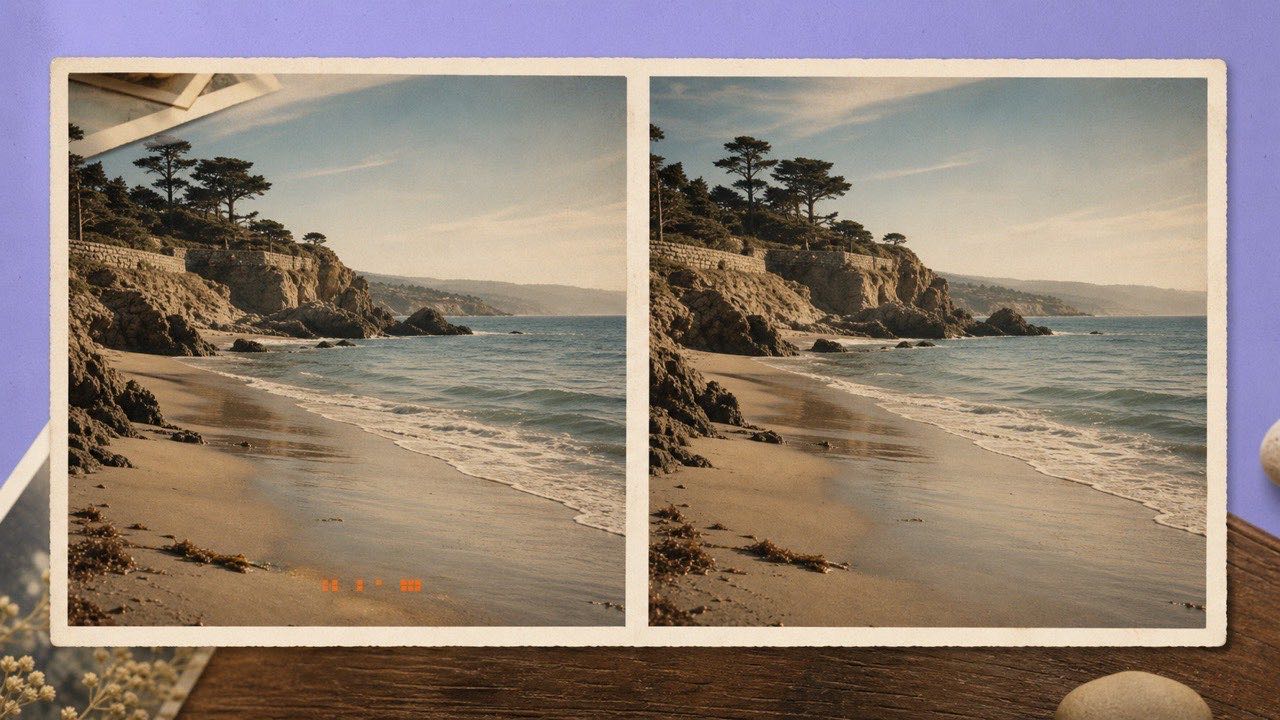
Why Old Photos Have Burned-In Dates
Many film scans, compact cameras, security exports, and messaging apps place a date directly into image pixels. Turning off the setting later does not remove the mark from files already created.
Camera Imprints
Cropping may change the framing, while a solid block conceals the date. AI estimates replacement pixels from nearby color and texture; it cannot recover the hidden original detail. Inspect the result against the source.
Exported Timestamps
Preserve an untouched archival copy before editing, especially when the timestamp has documentary value.
A burned-in date is part of the image pixels. AI can estimate replacement detail; keep an untouched copy of the original.
Remove the Timestamp Online
Upload the highest-resolution scan or original camera file available. Avoid using a screenshot of the photo, because it introduces scaling and compression artifacts around the digits.
Choose the Best Scan
In 550W Image Eraser, preview the file and submit it for processing. A successfully processed image returns as a JPG and costs 10 credits; a failed request is not charged. The download link is available for 24 hours.
Process and Verify
Inspect the processed area at full size, including horizons, furniture edges, and clothing seams. Save the output under a new name and keep the archival original unchanged.
Use the best available source, review the processed area, and save the JPG as a separate derivative.
When Restoration Becomes Difficult
A timestamp over a simple surface may leave more nearby context than one over a face, handwriting, or a detailed object. AI still estimates replacement pixels and may invent or alter detail, so inspect each result.
Dates Over Faces
AI may create a plausible fill, but plausible is not the same as historically exact. For important family or evidentiary photographs, retain the original and disclose that the viewing copy was digitally restored.
Unique Hidden Detail
You can queue several owned photos at once, but review every result individually rather than assuming one successful pattern applies to the whole archive.
AI creates plausible pixels; keep originals and treat restoration over unique subjects with additional care.
Frequently asked questions
Can I remove a timestamp without cropping?
You can process a selected date area without cropping, but AI estimates replacement pixels from nearby context and cannot restore the hidden original. Review the result at full size.
Does this work on scanned photographs?
Yes, if the scan is saved as JPG, PNG, BMP, WebP, AVIF, TIFF, or SVG and is no larger than 50 MB.
Should I overwrite the original?
No. Keep the unedited master and save the restored output as a separate file.
How long is the restored photo stored?
For a processed JPG, the download link is available for 24 hours. Download the file within that window and keep your unedited original.