Edit a Visible Kling Mark on Video You May Use
Updated · Product workflow reviewed by 550W AI Labs
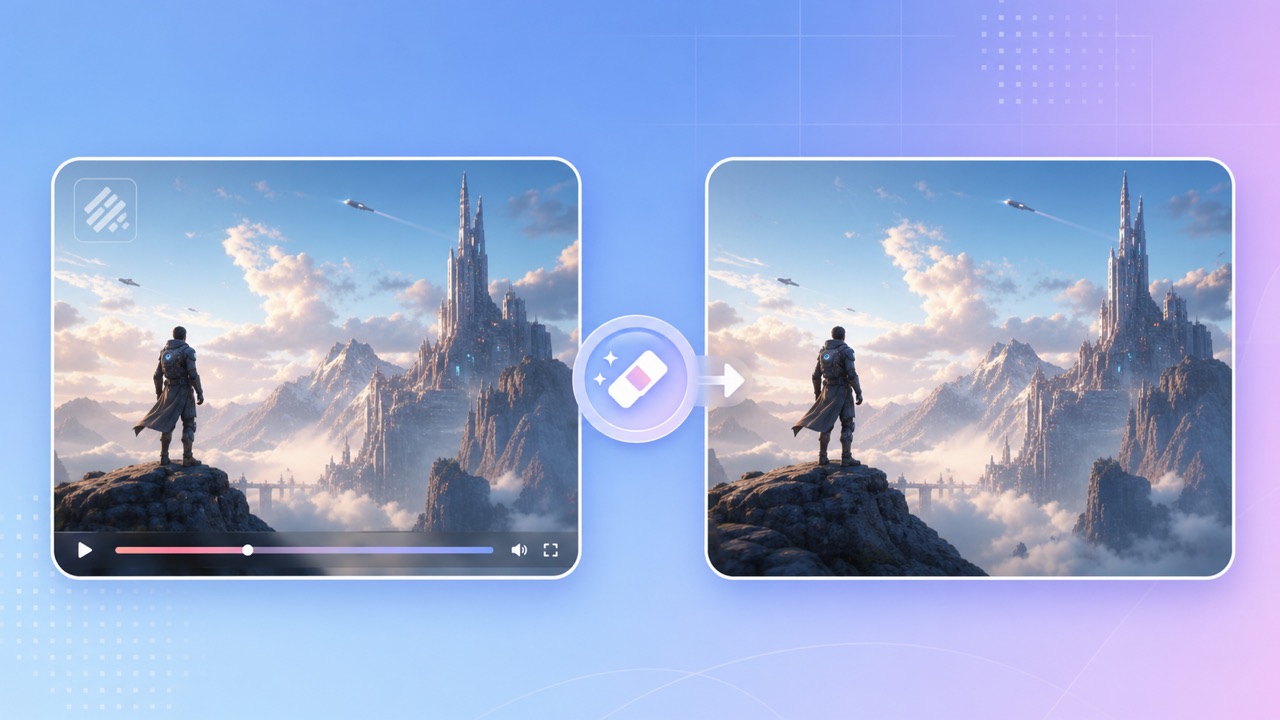
Check the Kling Export and Its Rights
A Kling export may show visible branding, a label, or another mark, depending on the product surface, account, region, and export settings. Inspect the actual file across its full timeline rather than assuming a fixed location or motion pattern.
Moving Footage Is Not a Still Image
Before editing, check the current provider terms, export settings, and disclosure requirements for the exact clip. If a clean export from the original project is authorized, consider that option before reconstructing image areas.
Visible and Invisible Provenance Are Different
A visible mark is distinct from embedded provenance metadata or another hidden signal. Editing visible pixels does not prove those signals are gone and does not change ownership or reuse rights.
A cleaner visible frame does not prove that provenance information is gone or change reuse rights.
Process a Visible Kling Mark
Open 550W Video Eraser with an MP4 or MOV you own or are authorized to edit. The browser video workflow supports up to 1080p and 30 minutes; check the current upload interface for the file-size limit. Inspect the mark before drawing a tight manual selection around its full visible edge.
Upload and Select the Area
If the mark moves or changes between scenes, one fixed box may not cover it without affecting other image detail. Use supported selections or segments as needed and do not assume automatic tracking. Standard processes inside the selection; Protect preserves inside and processes outside, not at a higher quality level.
Process and Review
Processing time depends on footage, selected area, and service status. Download and review the complete result, particularly motion, faces, fine text, color, audio, and export encoding. AI estimates replacement imagery from surroundings and does not restore hidden original pixels.
Select the visible area carefully and inspect the full export for artifacts and encoding changes.
Quality, Permission, and Source Options
Use the clearest export that you are permitted to edit. A recompressed copy can make the mark edge and nearby texture harder to assess; test a representative segment before processing the whole file.
Start with the Best Export
Check whether your current Kling product and account offer an authorized clean export. Plan features, prices, and mark behavior can change; compare the source option with a reviewed cleanup result rather than assuming either always performs better.
Edit Only Content You Can Use
Only modify video you own or have permission to edit. Removing a visible mark does not grant copyright, likeness, music, attribution, or commercial-use rights. Check current provider and publication rules before sharing.
Compare an authorized source export with a reviewed edit, and use only footage you may modify.
Frequently asked questions
Can I edit a visible Kling mark online?
If you own the clip or have permission to edit it, upload an eligible MP4 or MOV to 550W Video Eraser, select the visible area, and review the full exported result.
Does the tool preserve the original picture?
No such guarantee is possible. AI estimates a replacement for the selected area and the export may change encoding, detail, or audio. Compare the entire result with the source.
What if the Kling mark moves?
Review its path across the timeline. Separate supported selections or segments may be needed; do not assume a fixed box or automatic tracking will cover every frame.
May I remove a Kling mark from any video?
Edit only footage you own or are authorized to modify, and check current provider terms and disclosure rules. Removing a mark does not create reuse rights.