Compare Video Watermark Editing Methods and Tools
What to Check in a Video Watermark Tool
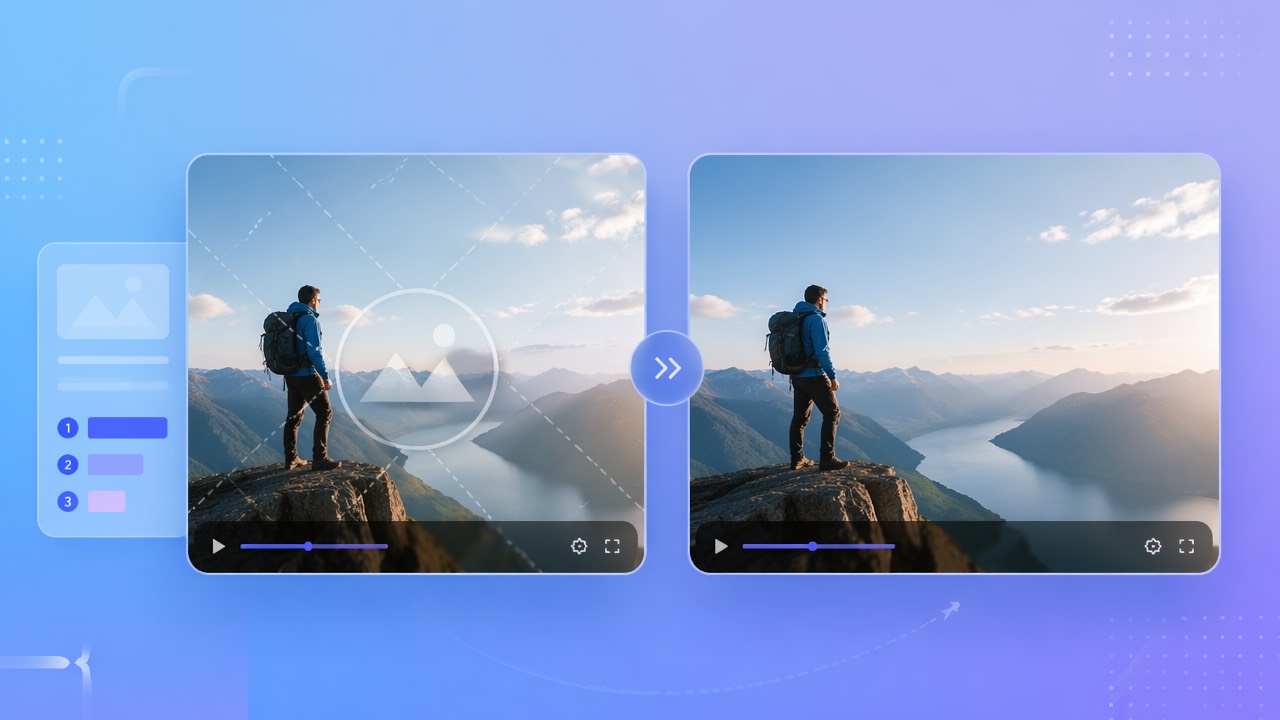
A watermark can be cropped, covered, blurred, or reconstructed. AI estimates a replacement from surrounding imagery; it does not restore original pixels hidden by the mark. Each approach can affect framing or visual detail.
Reconstruction, Blur, and Crop
Check whether a tool handles your authorized video format, offers the selection controls you need, and allows review of the entire result. Processing time varies with footage, selection, and service status.
Workload, Review, and Costs
This guide provides a verification checklist, not a controlled ranking of competing products. Capabilities, trials, and prices change. Test the same authorized sample and read each product’s current official documentation.
Compare actual authorized exports, current controls, limits, and total costs rather than relying on a universal ranking.
550W Video Eraser Browser Workflow
550W Video Eraser provides manual box selection or fullscreen removal in a browser. The supported video workflow accepts eligible MP4 or MOV files up to 1080p and 30 minutes. AI reconstruction may leave artifacts.
Supported Video and Selection
Upload footage you own or may edit, mark the affected area, check the current task estimate, and submit. Processing time depends on the footage, selection, and service status. Review picture, sound, and encoding in the complete export.
Review the Export
For recurring work, compare the current browser controls and documented API with your workload. Multiple selected videos become independent tasks; a marked area can be applied only to eligible unmarked videos of the same resolution and must be checked in each file.
550W offers browser reconstruction for authorized video; every selection and exported result needs review.
Tool Comparison Checklist
Use this checklist with the latest official documentation for any product you consider. It avoids unverified claims about competitor functions, licenses, and prices.
| Check | 550W Browser | Other Product: Verify Now | Decision |
|---|---|---|---|
| Input | Eligible MP4/MOV, up to 1080p and 30 minutes | Current video format, duration, resolution, and size | Use a supported authorized source |
| Area control | Manual box or fullscreen | Current selection and tracking controls | Inspect moving marks |
| Reconstruction | Estimated from surrounding picture | Actual processing method and output | Hidden pixels are not recovered |
| Multiple videos | Independent tasks; verify reused same-resolution selection | Current queue and review workflow | Review each result |
| Cost | Current interface and task estimate | Current trial, credits, subscription, and renewal | Compare complete workload |
Choose according to supported media, actual controls, full-file output, current terms, privacy needs, and review effort. There is no universal best tool for every scene.
Verify each candidate on current documentation and a representative authorized export.
Test a Watermark Edit
With 550W Video Eraser, upload an authorized MP4 or MOV, select the visible mark or choose fullscreen processing where appropriate, check the estimate, and submit. Download and inspect the complete result when the task finishes.
Select and Submit
Include a visible glow or shadow in a manual selection while avoiding unnecessary detail. If the mark moves, check its path and use supported selections or segments as needed; do not assume tracking that requires review.
Inspect Difficult Frames
Edit only video you own or are authorized to change. Removing a watermark does not grant content rights or substitute for a required license.
Test a representative authorized clip and inspect the full output; no method guarantees a flawless result.
Frequently asked questions
How should I compare video watermark removers?
Compare current documented controls, limits, pricing, and complete outputs on the same authorized clip. 550W Video Eraser offers browser reconstruction, but no tool is best for every video.
Do video watermark removers reduce quality?
No tool can guarantee unchanged quality. AI estimates a replacement for the selected area; export encoding can affect resolution, audio, color, or detail. Compare the full result with the source.
Is there a free video watermark remover?
Some tools may offer trials or free access, but conditions change. Check the current interface and the estimate for your clip; do not assume a fixed free grant or that the complete job is free.
Can I remove watermarks from many videos at once?
The current browser interface can select multiple eligible videos, but each becomes an independent task. A region can be reused only on unmarked videos of the same resolution; check every selection and output. Do not assume folder upload.
Is it legal to remove a watermark from a video?
Only remove watermarks from videos you own or have permission to edit. Removing a watermark does not grant you rights to content created by others.