HitPaw Alternative for Video Cleanup: What to Verify
Updated · Product workflow reviewed by 550W AI Labs
Considering a HitPaw Alternative
Start by checking where the HitPaw mark appears and whether it is still editable in the original project. Use footage that you own or have permission to alter; a clean re-export from that project is usually the clearest baseline for comparison.
Start with the Source and Permission
HitPaw products and editions may have different requirements. Read the current official information for the specific version you are considering, then compare it with 550W on an authorized clip that resembles your real workload.
Compare Current Workflows
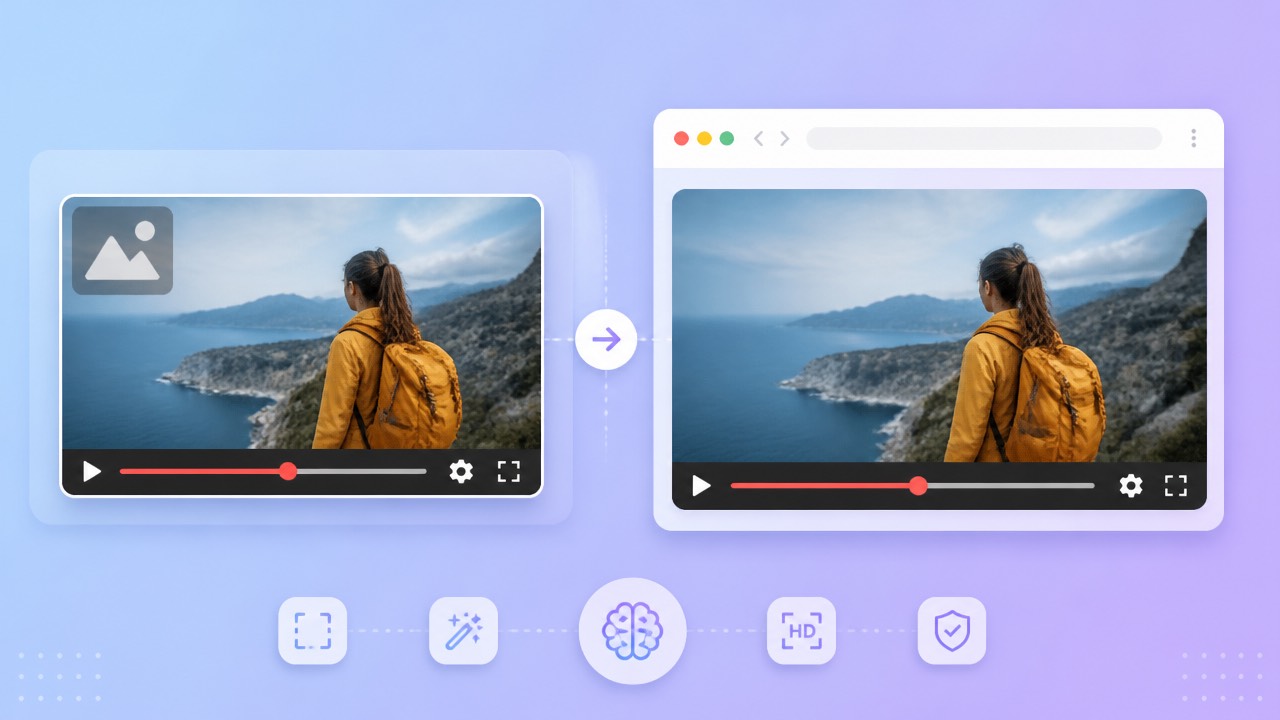
In 550W Video Eraser, a selected watermark or embedded subtitle is replaced using an AI estimate based on nearby frames. This is reconstruction, not recovery of the covered image, and the result is not guaranteed to look natural.
Confirm which HitPaw edition you mean, then compare its current requirements and output with 550W on authorized footage.
What to Check in 550W Video Eraser
For eligible MP4 or MOV input, the browser workflow supports up to 1080p and 30 minutes. Select the target area or use fullscreen removal, and consult the current upload screen for file-size eligibility.
Supported Video and Selection
The job duration changes with source complexity, the chosen region, and service load. Check the beginning, transitions, and moving portions of the finished video as well as its audio and encoding.
Review Every Export
Compare current task estimates, subscriptions, trial details, renewals, and privacy terms in the relevant product screens. Avoid assuming that an old HitPaw or 550W offer still applies.
Use the live upload screen for eligibility and review every exported frame and audio track.
HitPaw and 550W: A Verification Checklist
When assessing HitPaw, confirm the operating requirements and capabilities of the exact edition you would install or use. Verify its present support directly; this comparison does not assign features or platform coverage to an unverified version.
| Check | HitPaw: verify now | 550W browser workflow |
|---|---|---|
| Video input | Current supported formats, duration, resolution, and size | Eligible MP4 or MOV; up to 1080p and 30 minutes |
| Selection | Current controls and tracking limitations | Manual box selection or fullscreen removal |
| Reconstruction | Actual output and visible artifacts | AI estimates selected imagery; hidden pixels are not restored |
| Multiple files | Documented task and review controls | Eligible videos are submitted as independent tasks |
| Pricing | Current trial, credits, subscriptions, and renewal terms | Check current interface and task estimate |
| Privacy | Current upload, retention, and training terms | Check current published policies |
| Output | Compare the complete authorized export | Review full video, audio, and encoding |
Test selection behavior, file eligibility, export completeness, and review effort on the same source. Price and privacy are also part of fit, while one sample cannot establish a general quality ranking.
Verify current edition-specific features and compare practical results instead of treating a sample as a universal ranking.
Test an Authorized Clip
Choose an authorized clip with a similar watermark, camera movement, and background to your intended work. Use the current product versions and compare their actual exported files.
Upload, Select, Review
Draw the selection around the complete mark, including a shadow or glow, without masking extra detail. If the mark moves, adjust the selected region as needed and confirm which controls are available. Standard changes the selection interior; Protect keeps that interior and processes the surrounding area. Neither setting promises better image quality.
What to Do with Difficult Scenes
When an output is unsatisfactory, check whether the source contains an editable layer and whether the selected region was appropriate. Another attempt can have a separate cost and may leave similar artifacts.
Account for movement, selection boundaries, and the distinct interior behavior of Standard and Protect.
Frequently asked questions
How do I evaluate 550W as an alternative to HitPaw?
Identify the HitPaw edition and check its current requirements before testing. Use the same rights-cleared video in both workflows, then compare full exports and current terms.
Does 550W work in a browser?
Browser use depends on the current HitPaw edition and the 550W service requirements. Confirm both with their current documentation or upload interface for the device you plan to use.
Can it process burned-in subtitles?
If captions are burned into the picture, a selected region can be processed, but the concealed pixels are not restored. Inspect the reconstruction throughout the clip before using it.
What do credits and trials cost?
Check the live price and task estimate for the specific versions, including any trial, renewal, or credit rules. Do not infer current charges from a previous offer.
How are uploaded files handled?
Compare the products’ current privacy notices before uploading. Review how each describes file handling, storage duration, deletion, and model use, especially for sensitive footage.