Edit a CapCut Watermark in an Authorized Video
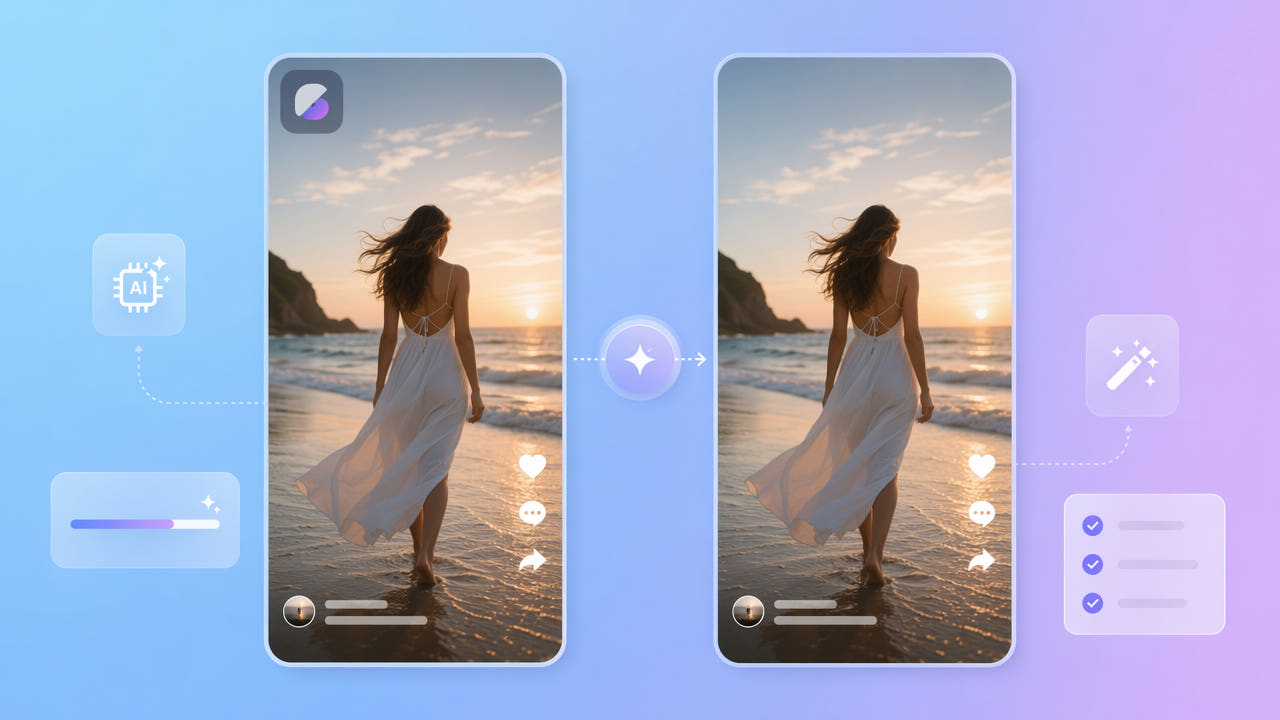
Start with the Project and Rights
CapCut features, export marks, and paid options can change. Open the original project if you have it and check the current official export choices. Do not assume a specific logo is added by every template, effect, or sharing method.
Current Export Options
A visible mark in a finished file may be part of a template, project setting, or export. Confirm you own the footage or have permission to edit the video and any template assets. Removing a mark does not grant rights to underlying content.
Embedded Marks in a Finished File
If a permitted clean export is unavailable, you may test selected-area reconstruction on an authorized MP4 or MOV. AI estimates replacement imagery from surrounding picture information; it cannot recover the hidden original pixels.
Check current CapCut export options and rights before editing an authorized finished file.
Process a Selected Mark in 550W
550W Video Eraser estimates a replacement for a user-selected area. It does not automatically detect or track a CapCut mark, and artifacts or export changes can occur. Compare the complete result with the source.
Select and Submit
Upload an authorized, supported MP4 or MOV, mark the visible area or choose fullscreen processing where appropriate, check the current task estimate, and submit. Processing time varies with the footage, selection, and service status.
Standard and Protect Modes
Standard mode processes the selected area. Protect mode retains the boxed area and processes outside it; it is not a quality setting. The browser workflow supports up to 1080p and 30 minutes.
Select the visible mark, confirm the mode and estimate, then review the complete exported video.
Review the Result
Choose a clear authorized source within the current upload limits. Compression and motion can affect reconstruction, but a higher source resolution does not guarantee a cleaner output.
Use a Clear Authorized Source
A manual selection should include visible edges, glow, or shadow without unnecessarily covering nearby details. Review the mark throughout the clip; a fixed selection does not automatically follow motion.
Check the Entire Mark
If the mark appears only in a removable closing segment, a permitted edit to the source project or a trim may be simpler. For marks elsewhere, compare reconstruction, cropping, and manual editing on authorized material rather than assuming one method always wins.
Project Export or Finished-File Editing
If you control the CapCut project, check whether its current settings or licensed export options can produce a permitted clean file. For a finished video, an editor or reconstruction tool may be considered only if you have the necessary rights; the result still needs review.
550W Video Eraser can process an authorized finished MP4 or MOV when a permitted clean project export is unavailable. Check the current credit estimate and terms before submitting, and review the full exported video. No specific free-credit grant or subscription condition is assumed.
Prefer an authorized clean project export when available; test finished-file edits on permitted material.
Frequently asked questions
What should I check before editing a CapCut watermark?
Check current official export options and your rights. If you may edit a finished file, test a visible mark, check the task estimate, and inspect the full result.
Will editing keep the original quality?
Unchanged quality is not guaranteed. AI estimates the selected region and export encoding may alter detail, resolution, color, or sound. Compare the complete output with the source.
Can 550W automatically follow a moving template mark?
No tracking that requires review is confirmed in this workflow. Check every position of the mark and use supported selections or segments as appropriate; review the complete export.
Which video files can the browser process?
The browser workflow accepts eligible MP4 and MOV files up to 1080p and 30 minutes. Check file-size and other conditions in the actual upload interface.
Does removing a mark give me rights to reuse the video?
No. You need ownership or permission to edit and reuse the footage and any included assets. Check applicable licenses and current platform rules.