Review and Remove Visible TikTok Marks from Authorized Video
Updated · Product workflow reviewed by 550W AI Labs
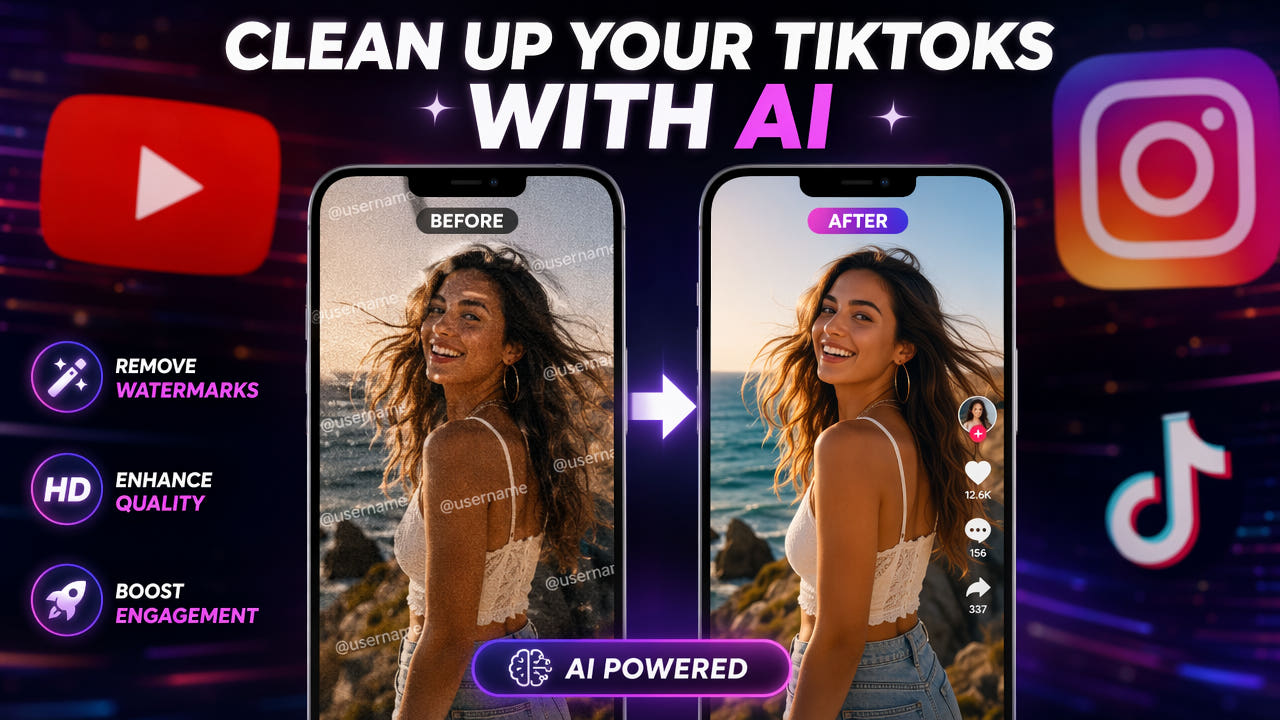
Why Remove TikTok Watermarks?
A saved TikTok video may contain a logo, username or other visible mark. Inspect your particular file through the full timeline; do not assume that every download has the same overlay or position.
For footage you own or are authorized to edit, start with your original project export when available. Decide which attribution, accessibility captions and disclosures should remain in each destination version.
Removing a visible mark does not establish ownership, grant music rights or guarantee reach on another platform. Review current destination requirements before publishing.
Inspect the actual file and confirm reuse rights before editing.
Step-by-Step: Remove TikTok Watermark with AI
Use this workflow for a specific authorized file. Keep the source separately, record the intended edit, and inspect the full result before treating it as a reusable master.
Step 1: Prepare an Authorized Source Video
Prefer an original export you control. If you use a platform download, check the current download options and permissions. Do not assume a third-party downloader retrieves original pixels or preserves every right.
Step 2: Upload to an AI Watermark Remover
The 550W browser workflow accepts eligible MP4/MOV video up to 1080p and 30 minutes. File size and other upload conditions must be checked in the current interface; API limits are separate.
Step 3: Select the Watermark Region
Inspect every position of the visible mark. In Standard mode the selected area is processed; Protect preserves the selected area and processes the outside. Protect is not a higher-quality setting, and tracking that requires review is not guaranteed.
Step 4: Process and Download
Confirm the selection, mode and task estimate before submitting. AI estimates replacement content from surrounding picture information rather than recovering hidden original pixels. Time depends on footage, selection and service status; inspect the entire downloaded output.
Alternative Methods for TikTok Watermark Removal
Compare methods on representative authorized footage. AI reconstruction, cropping and reframing have different trade-offs; no method is universally best or guaranteed to produce a natural result.
Use an Authorized Original Export
An original project export may avoid a baked-in mark. For other download methods, verify the source, permissions and current service behavior. Do not bypass download restrictions or assume how a downloader accesses a platform file.
Cropping the Watermark Area
Cropping can exclude an edge mark while removing part of the picture. Check whether it cuts off people, captions or important action and whether the resulting frame suits the destination.
Zooming and Repositioning
Zooming and repositioning may move a mark outside the frame. Inspect lost edge content and sharpness after export; an unchanged output pixel count does not prove unchanged visual quality.
Compare complete outputs; reconstruction cannot recover hidden original pixels.
Cross-Platform Repurposing Workflow
Treat reuse as an editorial workflow with separate source, cleanup, layout, caption, audio and publishing checks. A completed cleanup task is only one step.
TikTok to YouTube Shorts
For a YouTube Shorts version, check current upload requirements and your actual framing. Review any existing captions, add appropriate localized captions, and write an accurate title and description.
TikTok to Instagram Reels
For an Instagram Reels version, check current format and content requirements. Keep necessary attribution and disclosures. Removing TikTok branding does not guarantee recommendation, reach or monetization.
TikTok to Horizontal Platforms
For a horizontal version, compare supported crops or background layouts in an editor. Review people and important action after reframing; 550W cleanup alone does not perform or approve every adaptation.
Batch Processing for Content at Scale
For a group of clips, keep a manifest of source rights, selections, mode, task ID, cost and review status. Use only currently available multi-file controls and review each export separately; do not assume identical mark positions or automated visual approval.
Handling TikTok Auto-Captions
First check whether captions are a separate editable layer or embedded in the pixels. Turn off or edit a separate layer in its source project when possible.
For embedded captions, inspect the whole timeline to find every position, shadow and glow. Select affected areas or supported segments; do not assume automatic detection or tracking of all text. Review reconstruction and transitions before adding replacement captions.
The related hardcoded-subtitle guide explains the distinction between editable tracks and embedded text. Apply it to your actual file and preserve accessibility in the republished version.
Legal and Ethical Considerations
Before editing, document permission to alter and republish this specific material. A watermark edit does not change the underlying ownership or licensing.
Your Own Content
Even your own production may include music, effects or collaborators with separate permissions. Check those permissions and current source and destination terms before distributing a revised version.
Others' Content
For another creator’s footage, obtain permission covering the intended edit and reuse. Credit alone is not a substitute for authorization; use permitted sharing options when an edited copy is not authorized.
Platform Terms of Service
Check current platform rules for downloads, redistribution, attribution and AI disclosure. Keep the permission record with the export, and review any current offer or task cost before describing a workflow as free.
Tips for Best Watermark Removal Results
Use a small authorized test to assess difficult motion and backgrounds. A satisfactory sample does not guarantee that the rest of the video will pass review.
Use the Highest Quality Source
Keep the clearest authorized source available within supported limits. Avoid unnecessary conversions, but do not assume that a higher resolution or third-party download guarantees better reconstruction.
Process Before Other Edits
Plan cleanup and later layout or caption edits around your actual project. Compare intermediate exports and final encoding; do not promise source bitrate, unchanged quality or an export without re-encoding.
Check for Multiple Watermarks
Check all visible marks, moving positions and end cards before submission. After downloading, compare the full timeline, sound, color, edges and fine detail with the source; another attempt is not guaranteed to fix remaining artifacts.
Frequently asked questions
Is it legal to remove TikTok watermarks from your own videos?
Only edit and reuse videos you own or are authorized to use. Check rights for music, effects, collaborators, and the current platform terms before cross-posting.
Can I remove the TikTok watermark without losing video quality?
Not guaranteed. AI reconstructs the selected area from surrounding picture information, and export encoding can affect quality. Compare the complete result with the source.
Why does TikTok add a watermark to downloaded videos?
A saved video may include a logo or username that identifies a creator or platform. Inspect the actual download and retain any attribution or disclosure required for your intended reuse.