Stock Footage Watermarks: Check Licensing Before Editing
Updated · Product workflow reviewed by 550W AI Labs
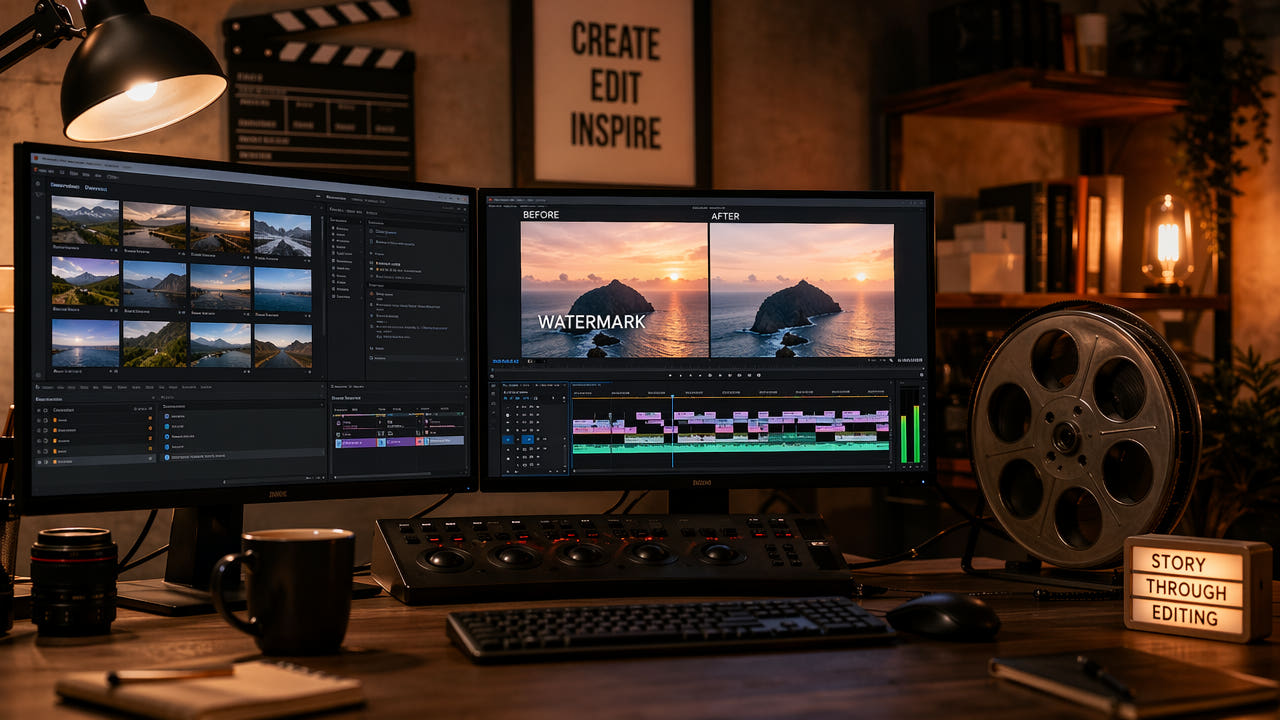
Check Rights Before Editing Stock Footage
Stock footage may be supplied as a licensed clean file, a watermarked preview, or a low-resolution sample. The rights attached to each file depend on the provider and the specific license or preview terms.
A rough cut may need to show how a shot fits the story before a purchase decision. Use the provider’s approved preview in that context unless its terms expressly allow alteration; removing a preview mark does not create a license.
For final work, obtain the appropriate rights and replace previews with licensed source files. If an authorized file still contains an unwanted visible mark, compare a clean provider export with a narrow edit and inspect the full result.
Use marked previews only as permitted, and replace them with appropriately licensed files before final delivery.
Types of Stock Footage Watermarks
Inspect the actual file rather than assuming a provider always uses a particular watermark design. Mark size, movement and background detail affect what can be selected and reviewed.
Centered Logo Watermarks
A centered logo can cover faces or other unique detail. AI may estimate replacement content, but it cannot recover the hidden original pixels. A licensed clean source is preferable when available.
Tiled or Repeating Watermarks
A repeated or tiled mark affects many parts of a frame. Multiple passes may compound artifacts or encoding changes; do not assume full-frame detection or a clean result.
Corner Badge Watermarks
A corner badge may require a smaller selection, but edge motion and shadows still need full-video review. Placement alone does not guarantee successful reconstruction.
Dynamic or Animated Watermarks
For an animated mark, inspect every position and use supported selections or segments. Do not assume automatic tracking or that static frames predict moving-frame quality.
Mark placement changes the review workload; no type guarantees clean AI removal.
Step-by-Step: Remove Stock Footage Watermarks
Start by checking whether you have permission to edit this specific file and use the result for the intended purpose. Keep a copy of the license or written authorization with the project.
Step 1: Verify the File and Permission
Download the file through the provider’s permitted route. Check whether the preview may be altered; if not, retain the marked preview for evaluation or obtain a licensed clean file.
Step 2: Upload to 550W Video Eraser
For an authorized MP4 or MOV, the 550W browser workflow supports eligible video up to 1080p and 30 minutes. Check current upload-size conditions in the interface and keep API limits separate.
Step 3: Identify and Select the Watermark
Select only the visible area you are authorized to change. Standard processes inside the selection; Protect preserves the inside and processes outside. Protect is not a higher-quality mode.
Step 4: Process with AI Inpainting
Before submitting, confirm the region, mode and task estimate. AI estimates replacement imagery from surrounding content; processing time depends on footage, selection and service status.
Step 5: Review and Iterate
Download and compare the complete output with the authorized source. Inspect faces, movement, color, sound and encoding. If defects remain, evaluate a different permitted method; another pass is not guaranteed to fix them.
Best Practices for Stock Footage Watermark Removal
Begin with the rights and the clearest authorized file, rather than assuming a higher-resolution preview or a particular tool will produce a better result.
Choose the Clearest Authorized Source
Use a representative segment that covers difficult motion and backgrounds. Shorter segments may help inspection, but they do not guarantee faster processing or better consistency.
Process Short Segments
Semi-transparent marks can still hide source detail. Do not assume the AI can separate watermark and background layers or reconstruct the true underlying image.
Handle Semi-Transparent Watermarks Carefully
Before a client presentation, confirm the provider’s current preview terms and the project’s approval scope. A reviewed mockup is not permission to publish the cleaned footage.
Document Your Workflow for Licensing
Record provider, clip identifier, license status, selected region, task ID, review owner and final replacement file. Before delivery, verify that no unlicensed preview or altered preview remains in the timeline.
Ethical Considerations and Legal Guidelines
Preview terms, license rights and local law vary. Treat a watermark as a sign to verify permissions, rather than as a technical obstacle that an editor is free to remove.
Acceptable Use Cases
For a client mockup, use a provider-approved marked preview only when the current terms allow it. Get explicit permission before altering the preview pixels; do not assume internal use is exempt.
Unacceptable Use Cases
Do not publish or commercially use a cleaned preview unless the provider expressly permits it. Do not assume attribution or a later purchase grants permission for an earlier edit.
Best Practice: License Before Final Delivery
For final delivery, buy the appropriate license or use another source with suitable rights, replace temporary assets, and have a reviewer verify the exported file and its license record.
Comparing Watermark Removal Approaches for Stock Footage
Choose a method according to rights first, then compare visual trade-offs on authorized material. No approach is inherently approved by a stock provider.
AI Reconstruction on Authorized Footage
For licensed footage with a visible overlay, AI reconstruction may be tested on a selected area. Its output can contain artifacts and encoding changes; evaluate a complete sample.
Manual Compositing in a Video Editor
Manual compositing may offer control on difficult shots but requires time and skill. It also cannot prove what hidden original pixels looked like; compare its full result with the licensed source.
Purchasing the License Directly
A licensed clean file removes the need for preview-mark repair when the provider offers one. Check whether the particular license covers your destination, duration and distribution.
Using Free Stock Alternatives
A different footage source may fit the project. Review its current license and attribution terms; a free download does not automatically mean unrestricted commercial reuse.
Frequently asked questions
Is it legal to remove watermarks from stock footage?
Only edit a preview or licensed file when the provider’s current terms or written permission allow it. Removing a mark does not grant publication or commercial-use rights.
Can AI completely remove stock footage watermarks?
No. AI estimates replacement imagery from surrounding content. Large, tiled or moving marks may leave artifacts, and the original hidden pixels cannot be recovered.
What types of stock footage watermarks exist?
The actual file may show a centered logo, repeated pattern, corner badge or moving mark. Inspect its positions instead of assuming a provider always uses the same design.
Should I buy the license or remove the watermark?
Obtain the appropriate license for final use. During evaluation, use a provider-approved marked preview unless the terms expressly permit alteration; removal is not a substitute for licensing.