Vmake Alternative for Video Cleanup: What to Verify
Updated · Product workflow reviewed by 550W AI Labs
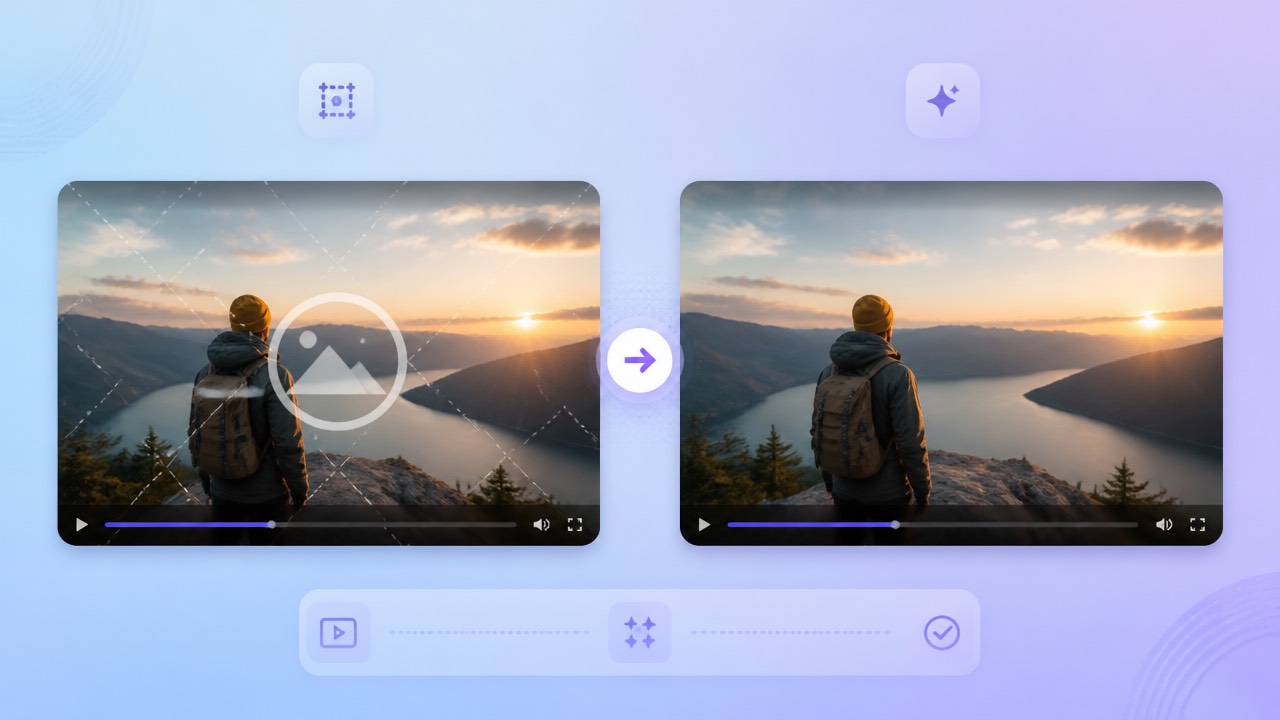
Considering a Vmake Alternative
Clarify whether your Vmake comparison is about removing a fixed logo, cleaning a subtitle area, or another editing task. Check that you control the footage or have permission to change it; returning to the original project for a clean export is preferable when available.
Start with the Source and Permission
Vmake’s feature set, access, and commercial terms should be checked in its current official materials. Compare the present offering with 550W on a representative authorized clip and judge the files you can actually export.
Compare Current Workflows
550W Video Eraser is focused on selected watermark and burned-in subtitle areas. Its AI estimates replacement content from surrounding frames; that estimate is not the hidden original, and no natural-looking result is promised.
Define the cleanup job first, then verify Vmake’s current scope and compare it with 550W on an authorized sample.
What to Check in 550W Video Eraser
The supported 550W browser video input is eligible MP4 or MOV up to 1080p and 30 minutes. Mark a specific region or choose fullscreen removal, then use the upload screen to confirm the current file-size condition.
Supported Video and Selection
A job may take different amounts of time depending on material, selection, and service state. Watch the entire export for leftover marks, unwanted changes, sound issues, and encoding differences.
Review Every Export
Check current prices and task estimates together with trial, renewal, privacy, and retention terms. Interface details and offers can change, so verify them before starting a paid workflow.
Confirm present upload conditions and inspect the full export for image, sound, and encoding changes.
Vmake and 550W: A Verification Checklist
For Vmake, verify whether its current tools cover the particular cleanup task you have in mind and what output they provide. Treat published information as version-specific and confirm details with the provider.
| Check | Vmake: verify now | 550W browser workflow |
|---|---|---|
| Video input | Current supported formats, duration, resolution, and size | Eligible MP4 or MOV; up to 1080p and 30 minutes |
| Selection | Current controls and tracking limitations | Manual box selection or fullscreen removal |
| Reconstruction | Actual output and visible artifacts | AI estimates selected imagery; hidden pixels are not restored |
| Multiple files | Documented task and review controls | Eligible videos are submitted as independent tasks |
| Pricing | Current trial, credits, subscriptions, and renewal terms | Check current interface and task estimate |
| Privacy | Current upload, retention, and training terms | Check current published policies |
| Output | Compare the complete authorized export | Review full video, audio, and encoding |
A practical comparison asks whether each service accepts the source, offers usable selection controls, returns a complete file, and fits your review and privacy requirements. Cost matters, but it does not establish output quality.
Use task-specific evidence and verified terms to choose between workflows; avoid broad quality claims.
Test an Authorized Clip
Take a representative clip from a project you may edit and compare the current Vmake and 550W workflows. Keep the original export so you can distinguish reconstruction from a genuine clean source.
Upload, Select, Review
For a localized overlay, include its visible boundary and shadow while keeping the selection tight around nearby details. If the mark shifts, verify the controls available for that case. Standard processes the inside; Protect preserves the inside and processes the outside. Protect is not a higher-quality setting.
What to Do with Difficult Scenes
Look at difficult frames before deciding to retry or switch tools. A second run may not improve the reconstruction; confirm the estimate and consider whether a source-project edit would be more reliable.
Keep the original, check difficult frames, and use each selection mode according to the region it affects.
Frequently asked questions
How do I evaluate 550W as an alternative to Vmake?
Start with the exact Vmake task you need and verify that its current product materials cover it. Compare a representative authorized clip in the active Vmake and 550W workflows, including the downloaded output.
Does 550W work in a browser?
Check current device and browser requirements for Vmake and 550W separately. Their access paths can differ, and the 550W upload interface is the current reference for its input conditions.
Can it process burned-in subtitles?
A burned-in subtitle area can be selected for processing, but replacement imagery is estimated from neighboring content. Compare difficult frames with the original and decide whether the result is usable.
What do credits and trials cost?
Review today’s task estimate and purchase information for the products you are considering. Pricing, trial availability, credits, and renewal rules should not be inferred from old comparisons.
How are uploaded files handled?
Before uploading, inspect both services’ latest privacy and data-handling terms. Pay attention to processing, retention, deletion, and any model-training language for the type of footage you plan to submit.