Image & Video Text and Watermark Remover
Use AI on images and videos you may edit, then review the exported result.
Check current pricing, credits, and task estimates in the product before submitting.
See the Difference

Powerful Features
Task progress
Processing time varies with file size, duration, resolution, selection area, and service load. Review and download your result when it is ready.
Image & Video Workflow
Upload one or many images, or select a video from your device. Images are processed automatically; for video, select the subtitle or watermark region.
Flexible Selection
Images are processed automatically; for video, select the subtitle or watermark region.
Two Processing Modes
Standard: Remove subtitles inside the boxed area; Protect: Keep the boxed area; process only outside it
Batch Processing
Each video is a separate task. Check the current interface for available multi-file controls and review every export.
Formats & Limits
Images: JPG, PNG, BMP, WebP, AVIF, TIFF, SVG (up to 50 MB each). Videos: MP4/MOV, up to 1080p and 30 minutes.
Secure Processing
Review the current privacy policy and product notices before uploading.
Pay As You Go
Buy credits as needed, with no subscription. Check the task estimate before submitting.
How It Works
Choose Image or Video
Upload one or many images, or select a video from your device.
Set Up the Erase
Images are processed automatically; for video, select the subtitle or watermark region.
Get Result
Processing time varies with file size, duration, resolution, selection area, and service load. Review and download your result when it is ready.
Use Cases
Remove Hardcoded Subtitles
For footage you own or may edit, test a representative burned-in subtitle scene and inspect the full export. AI estimates replacement content; it cannot restore hidden pixels.
Erase Watermarks
Edit only videos you own or are authorized to modify. AI estimates replacement content from nearby frames; review the complete export before reuse.
Clean Logos & Timestamps
Select visible logos or timestamps only in footage you may edit, then check the complete export for remnants and unintended changes.
Repurpose Video Content
Prepare an authorized copy for re-editing or translation. Check the destination platform’s current rules before publishing and review the export.
Clean Image Watermarks & Text
Edit only photos and graphics you own or may modify; inspect the text and surrounding details in the exported file.
Clean Product Photos
Remove labels, logos, and distracting text from product photos for cleaner listings.
Remove Date Stamps
AI estimates replacement content from nearby visual context; review the export because hidden original pixels cannot be recovered.
Batch-Clean Visual Assets
Process multiple owned images or videos for campaigns, catalogs, and content libraries.
Technical Specifications
Frequently Asked Questions
What video formats are supported?
How long does processing take?
Is my video data secure?
What platforms are supported?
How does the credit system work?
What is the maximum video length?
Can I process videos in batch?
What resolution is supported?
What image formats and limits are supported?
How is image removal billed?
Which images produce the best removal results?
What happens with one image versus multiple images?
How long are uploaded images and results kept?
Image & Video Editing Tips

How to Compare AI Image Watermark Removers
Use a practical checklist to compare AI inpainting, image formats, batch workflows, privacy, pricing, and result review. Check current limits before uploading.
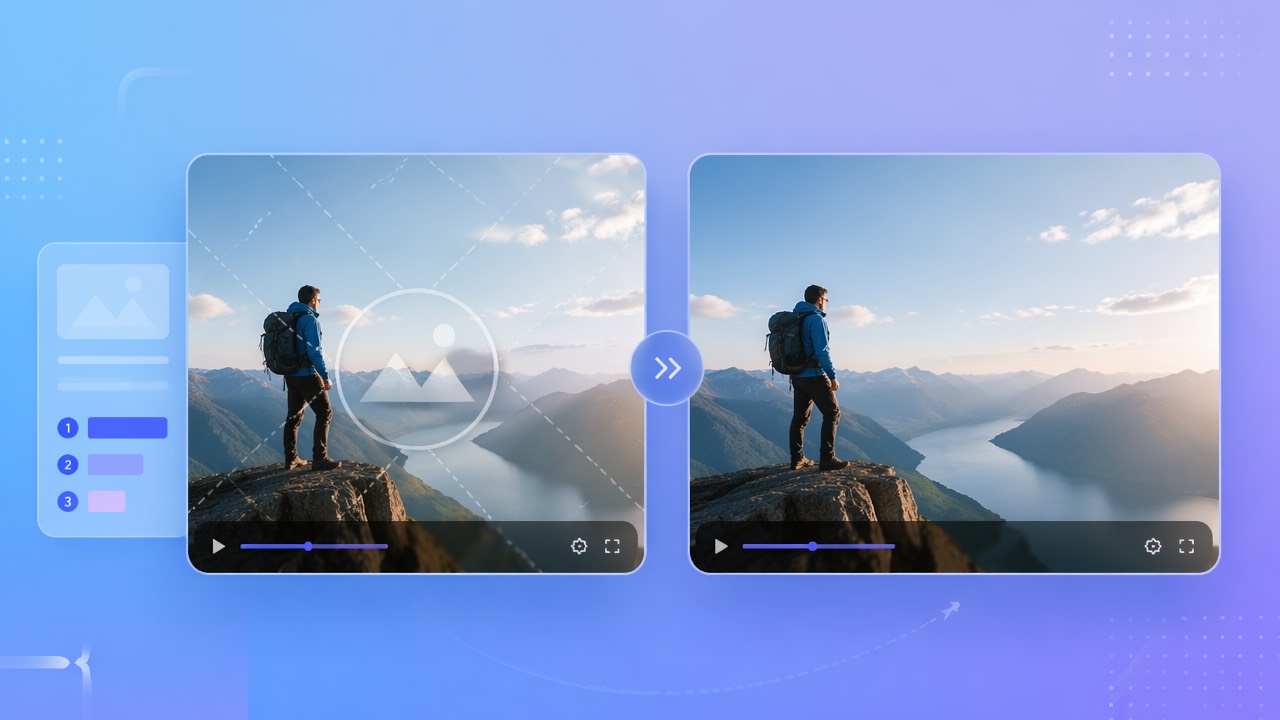
Compare Video Watermark Editing Methods and Tools
Evaluate video watermark tools with authorized footage. Check current features, limits, pricing, selection controls, and the complete exported result.
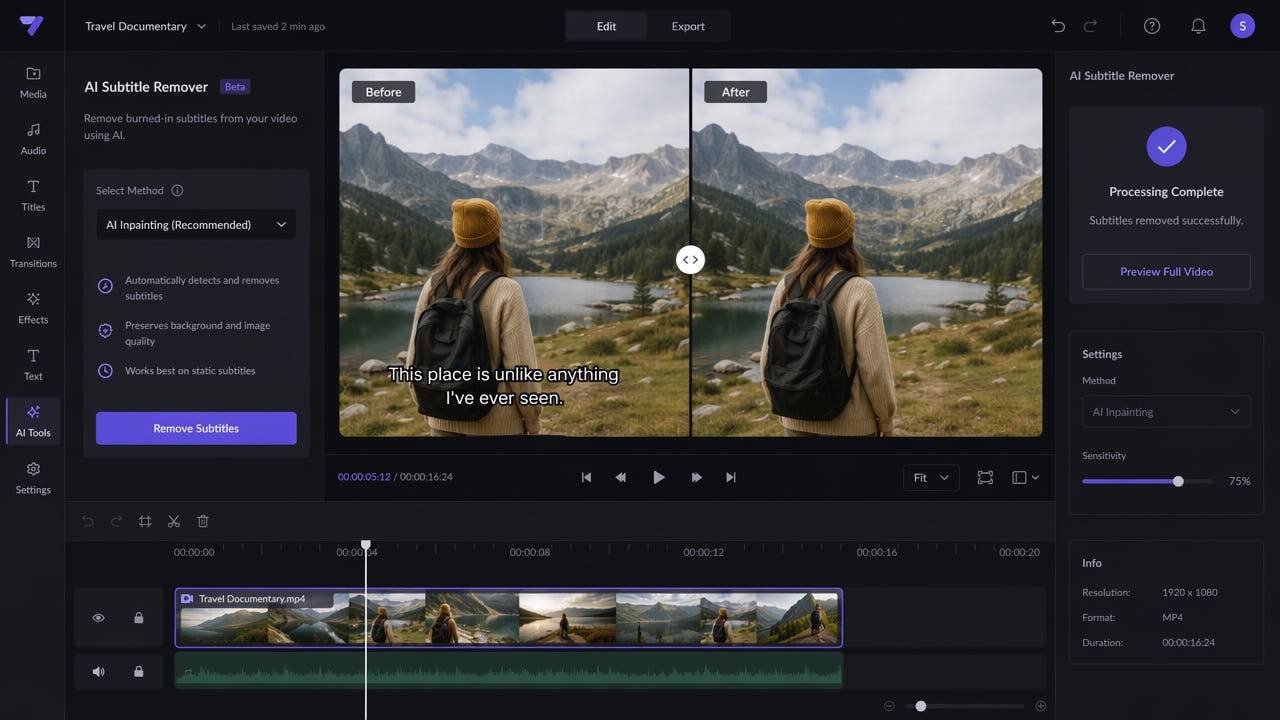
How to Remove Hardcoded Subtitles from Video Online
Remove burned-in or embedded subtitles from video online with AI inpainting. Follow the steps and compare cropping, blur, manual editing, and AI removal.