Review a Visible Mark on an Existing Sora Video
Updated · Product workflow reviewed by 550W AI Labs
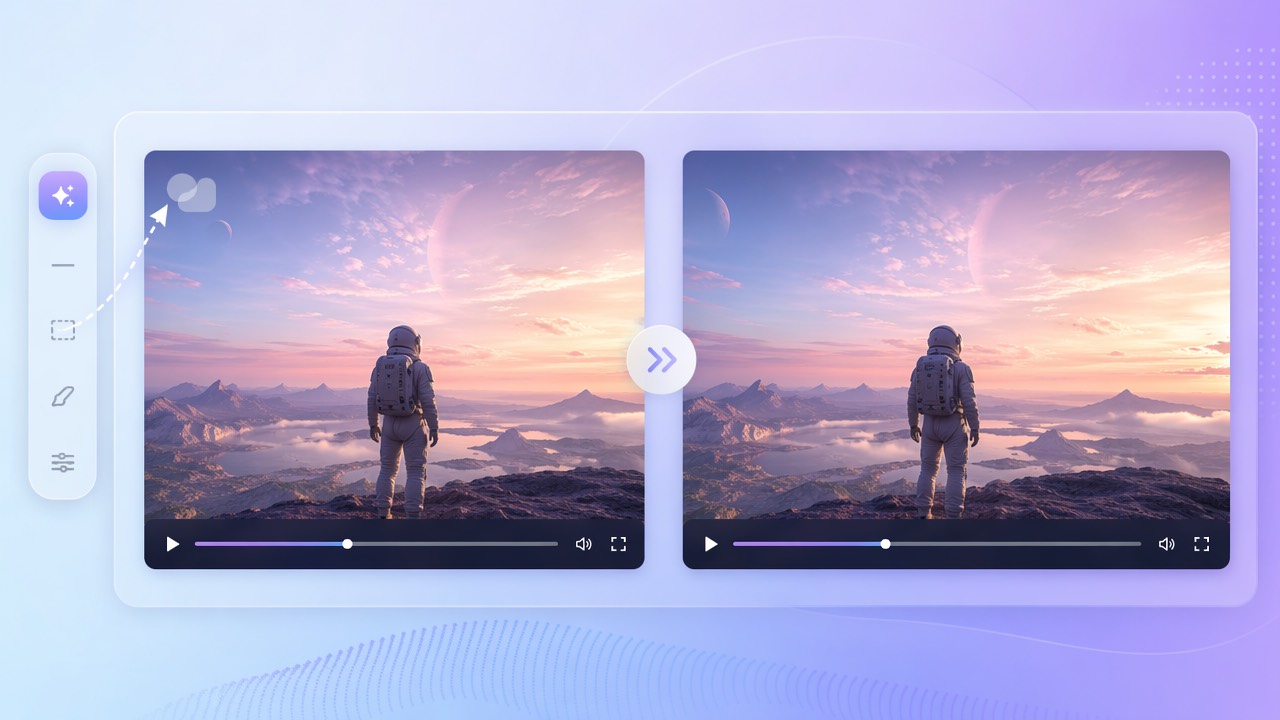
About existing Sora exports
OpenAI states that the Sora web and app experiences became unavailable on April 26, 2026, and the Sora API was discontinued on September 24, 2026. This guide applies only to an existing export that you possess and are authorized to edit; it does not describe creating or downloading a new Sora video.
Sora is no longer available
OpenAI has described Sora videos as carrying visible and invisible provenance signals, including C2PA metadata. Inspect the actual file instead of assuming a mark’s position or that every signal is visible.
Visible marks and provenance are different
Editing visible pixels does not remove or change embedded provenance by itself. Keep accurate source records and do not present an edited export as having a different origin.
This workflow is only for existing authorized files and visible pixels; provenance remains a separate matter.
Edit only an overlay you can see
550W Video Eraser works on a user-selected region. If a visible overlay moves, automatic tracking is not guaranteed; select supported regions or segments and inspect them individually.
Make a supported selection
Standard processes inside the selection. Protect preserves the selection and processes outside it. Protect is not a higher-quality setting; use it only when its selection behavior matches the area you need to retain.
Choose the mode for the area to preserve
AI estimates replacement imagery from nearby picture information; it cannot recover hidden original pixels. The video workflow supports up to 1080p and 30 minutes. Check the current upload interface for file-size eligibility.
Select visible pixels manually, then use Standard or Protect according to what should remain.
Check rights and provenance before reuse
Use only an export you own or are authorized to edit. A visual change does not change the source, remove C2PA metadata, or establish permission to publish.
Review the applicable current terms, consent, attribution, and disclosure requirements. Keep the original and provenance information with the edited copy.
A visual edit is not a provenance edit or a grant of reuse rights.
Inspect the full encoded result
Processing time depends on the footage, selected region, and service status. Review the full exported video, including every frame range where the overlay appeared.
Processing time varies
Export encoding may change resolution, bitrate, color, or other details. Look for remnants and reconstruction artifacts; a completed task is not a visual quality guarantee.
Compare the export with the source
Review the complete export and retain the original file for comparison.
Frequently asked questions
Can I still download a new Sora video?
OpenAI states that the Sora web and app experiences became unavailable on April 26, 2026, and the Sora API was discontinued on September 24, 2026. This guide applies only to existing files; check OpenAI’s current official information for product status.
Can I remove a visible Sora mark without cropping?
If you own the file or have permission, you can process a selected visible region without cropping. AI estimates replacement content, so inspect the result for artifacts.
Does visual editing remove C2PA or other provenance?
No. Processing visible pixels does not establish that C2PA metadata or other provenance signals changed. Preserve source records and verify metadata separately if needed.
What video limits apply?
The video workflow supports up to 1080p and 30 minutes. Check the current upload interface for file-size eligibility; time varies with footage, selection, and service status.
Does the result keep the original quality?
Not necessarily. The selected area is estimated from neighboring picture information and export encoding may change the file. Compare the complete output with the source.